



Ready to discover how CloudM can help you?
Manage all your Email Signatures in Google Workspace with ease
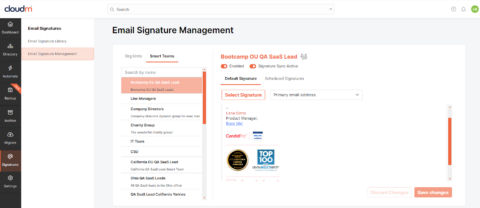
Manage your organization’s signatures from one user-friendly place with dynamic user groups and smart automation features.









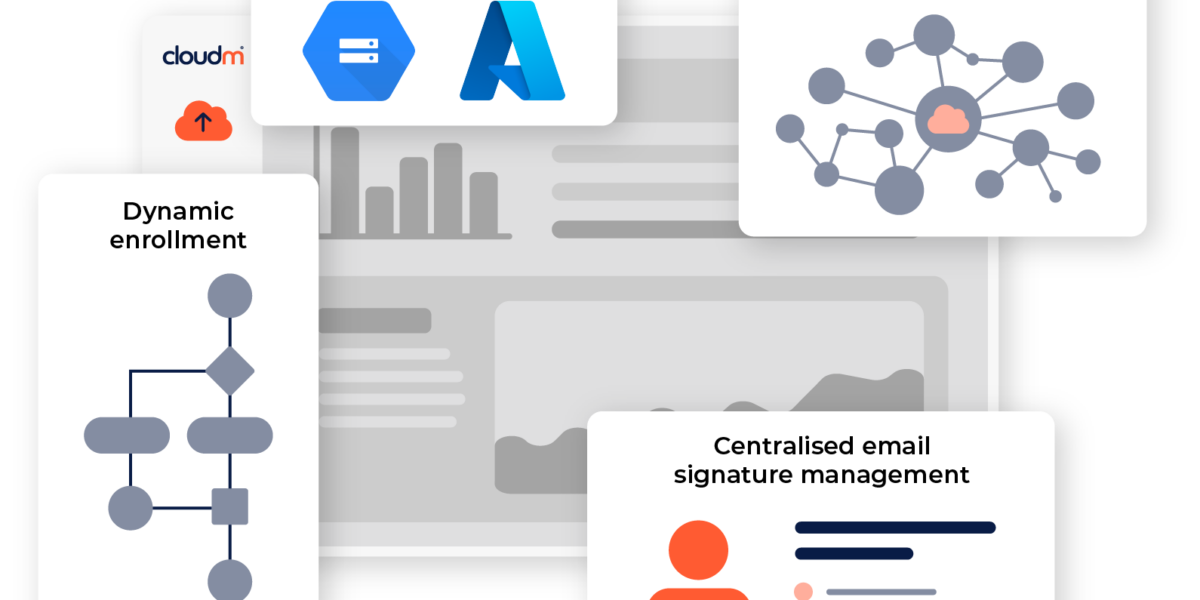
Save time with automated email signatures
Swiftly create and deploy email signatures, automatically assign them to departments or dynamic groups, and streamline onboarding/offboarding with smart automation for new team members.
Key Features
Maximize sales and marketing impact with email signature management
Elevate sales and marketing campaigns with scheduled custom email signatures featuring banner announcements and seasonal content.
Enhanced security with direct access
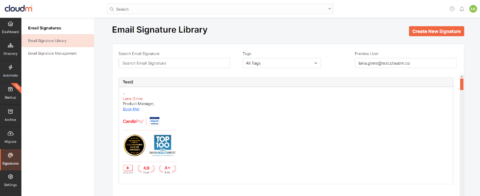
CloudM Email Signatures directly apply signatures within user settings, enhancing data security by eliminating the need to route signatures through 3rd party external servers.
"We needed a solution that worked really well and where we could easily manage the signatures in use across the organization."
Consistent email signatures in four simple step
Let your team focus on more important tasks by automating license reassignment as part of your offboarding workflow.
Choose what’s included
Select the variable fields you want in your signature. These are updated dynamically and if they’re empty, the field is removed from the signature.
Make it your own
Customize your design with images, tables, animations, and HTML. Create templates for individual teams, departments or offices.
Test your template
Use the preview tool to check everything is displaying correctly and see what your users will see.
Roll it out
Enable Signature Sync to instantly update all signatures.
Book a call with our email signature specialists today.
Ready to get started?
Learn how CloudM Signatures save time and boost productivity with automated email signatures. Speak to our specialists to learn how CloudM can help you through designing, deploying and automating email signatures for Google Workspace.