






POST-ACQUISITION MIGRATIONS
Consolidate multiple environments after a merger or acquisition
Consolidate multiple environments after a merger or acquisition
Bring users and data into a single Microsoft 365 or Google Workspace environment with minimal disruption.
Book a call



Common post-acquisition migration challenges

Consolidating multiple environments
Bring Microsoft 365, Google Workspace, and legacy platforms together in a single environment.

Managing permissions and access
Preserve access to shared files, groups, and resources as users move between environments.

Maintaining security and compliance
Protect sensitive data and maintain governance throughout the migration process.

Migrating users and data at scale
Move large volumes of users, files, permissions, and shared resources efficiently.
Why choose CloudM’s M&A data migration services
Multi-platform expertise
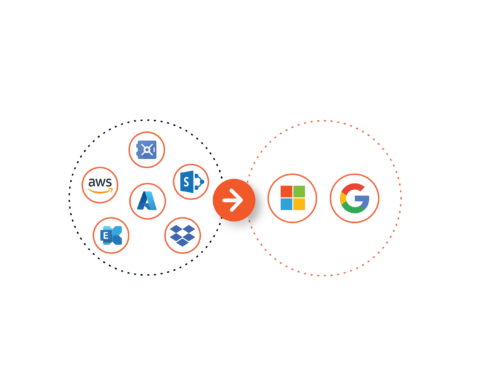
When you need to migrate data following a merger or acquisition, CloudM Migrate supports migrations to Google Workspace and Microsoft 365 from over 20 source platforms, including tenant-to-tenant migrations within Microsoft 365 or Google Workspace.
Migrate faster, no matter the scale
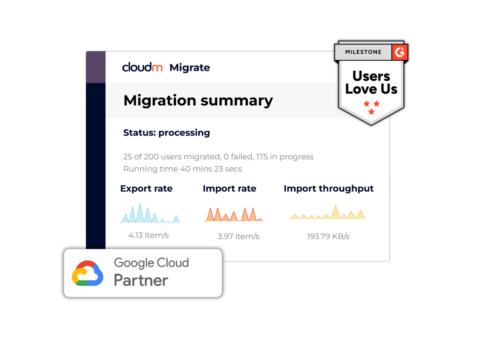
CloudM Migrate accelerates your migration process, whether you’re working in single or multi-server environments. Easily scale up to handle even the largest migrations with speed and flexibility, ensuring your business transitions quickly and efficiently.

Reduce migration risk with a free pre-migration scan
Analyze users, data, permissions and file structures before migration begins, helping you identify risks, reduce delays, and plan with confidence.
Comprehensive environment analysis
Analyze users, data volumes, permissions and file structures before migration begins. Identify potential issues early and gain the insights needed to plan your project with confidence.
Reduce risk and avoid delays
Uncover migration risks before they impact users, timelines or business operations. A clearer understanding of your environment helps ensure a smoother migration experience.

Serviced migrations
Expert support for complex M&A migrations
Whether you're consolidating multiple environments, managing tight timelines, or migrating thousands of users, our migration specialists can help you plan and deliver your project successfully.
- Migration planning and project scoping
- Pre-migration assessments
- Migration delivery
- Post-migration support
How Atlassian consolidated Google Workspace after acquiring Loom
What should we plan before starting a merger or acquisition migration?
Before migrating, assess the users, data, permissions, and services that need to move into the destination environment. Identify duplicate accounts, inactive users, and legacy data that can be archived rather than migrated. It is also important to understand how shared files, groups, and permissions are structured, since these often create dependencies that need to be addressed before migration begins.
Can we consolidate multiple Microsoft 365 or Google Workspace environments?
Yes. CloudM helps organizations consolidate users, data, and services following a merger or acquisition. Whether you are combining multiple Microsoft 365 tenants, Google Workspace environments, or migrating between platforms, CloudM provides the tools and expertise to simplify the process while minimizing disruption to end users.
How do you keep the business running during a migration?
Careful planning helps minimize disruption during a migration. Organizations often use phased migration approaches, pilot groups, and staged cutovers to reduce risk and keep business running. CloudM also supports delta migrations, allowing changes made during the migration window to be captured and migrated before go-live.
What happens to permissions when only some users are migrating?
Permissions and group memberships are one of the most common challenges in post-acquisition migrations. Shared files, folders, and groups often span multiple users and departments, creating dependencies that need to be planned carefully. CloudM allows you to map and recreate groups in the destination environment before migration, helping ensure users have the right access from day one.
What needs to happen after the migration finishes?
After migration, validate that users can access the files, emails, and services they need, and confirm permissions have been applied correctly. Many organizations also use this stage to standardize policies, remove duplicate data, and complete the integration of acquired users into the destination environment.
Should we migrate everything or archive and review accounts first?
A merger or acquisition is often the ideal time to review inactive accounts, legacy files, and historical data. Archiving unnecessary data can reduce migration volumes, lower license costs, and simplify management of the combined environment, while still retaining information for compliance and audit purposes.
Planning a merger or acquisition?