What is Google Drive management?
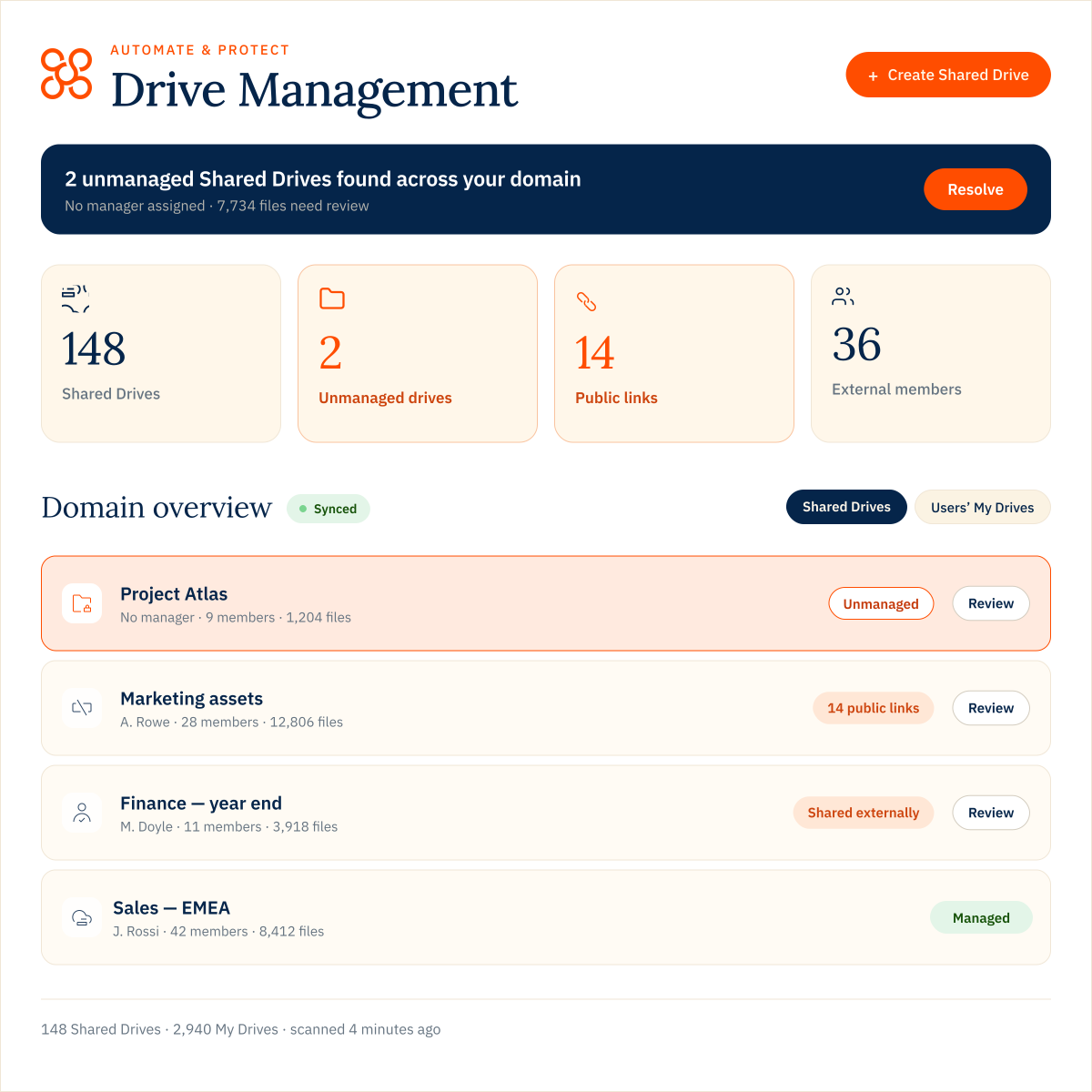
Google Drive management gives administrators a central way to view and manage Shared Drives, files and users’ My Drives across their organisation. With Drive Management for
Automate & Protect, admins can search and filter Drive content, review sharing and permissions, and take action without switching between individual users and Drives.
Can Google Workspace admins see users’ My Drive files?
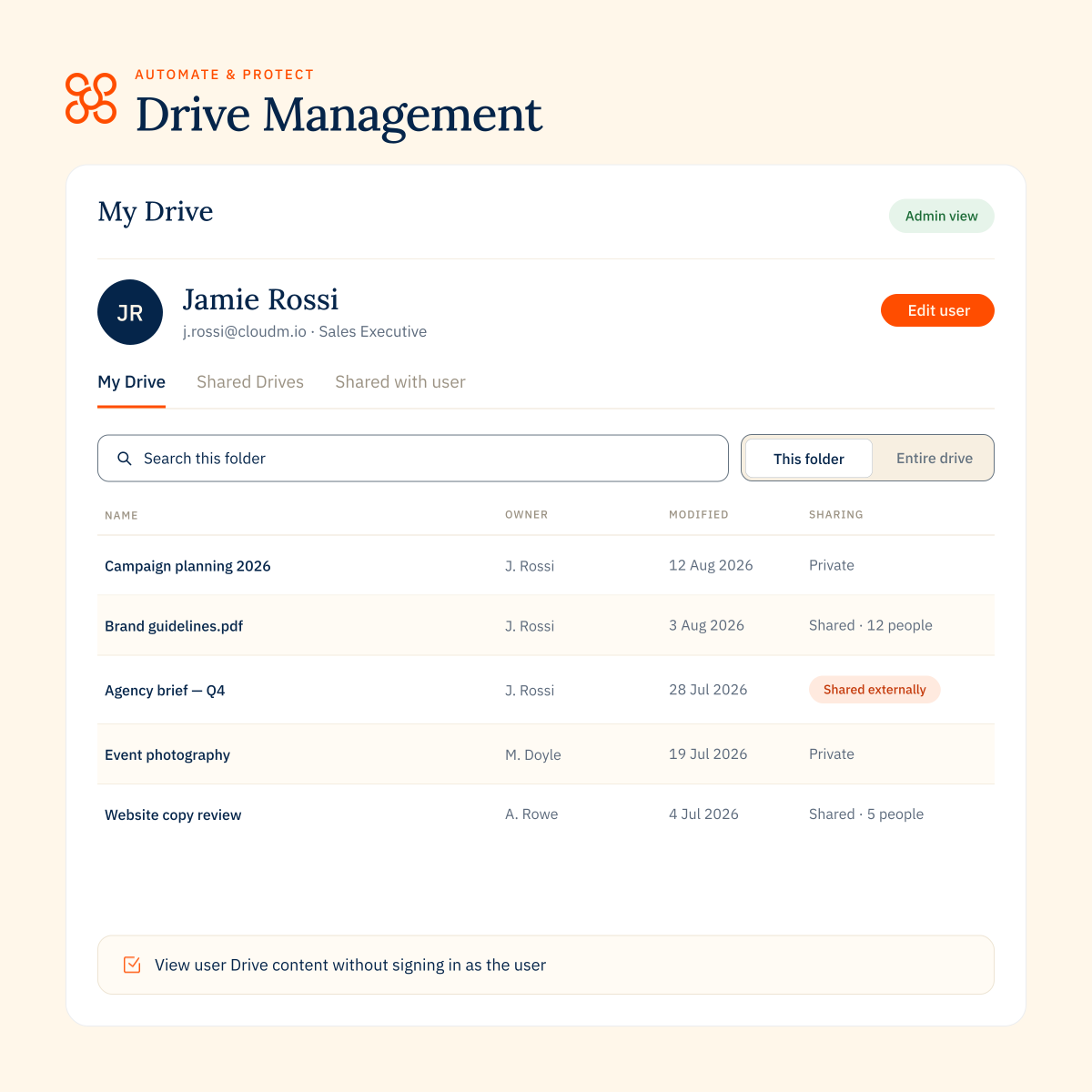
Yes. CloudM Drive Management lets administrators view an individual user’s My Drive from their Directory record without signing in as that user. Admins can see files, folders, storage use, items shared with the user and content in the Bin.
How can I find and manage unmanaged Shared Drives?
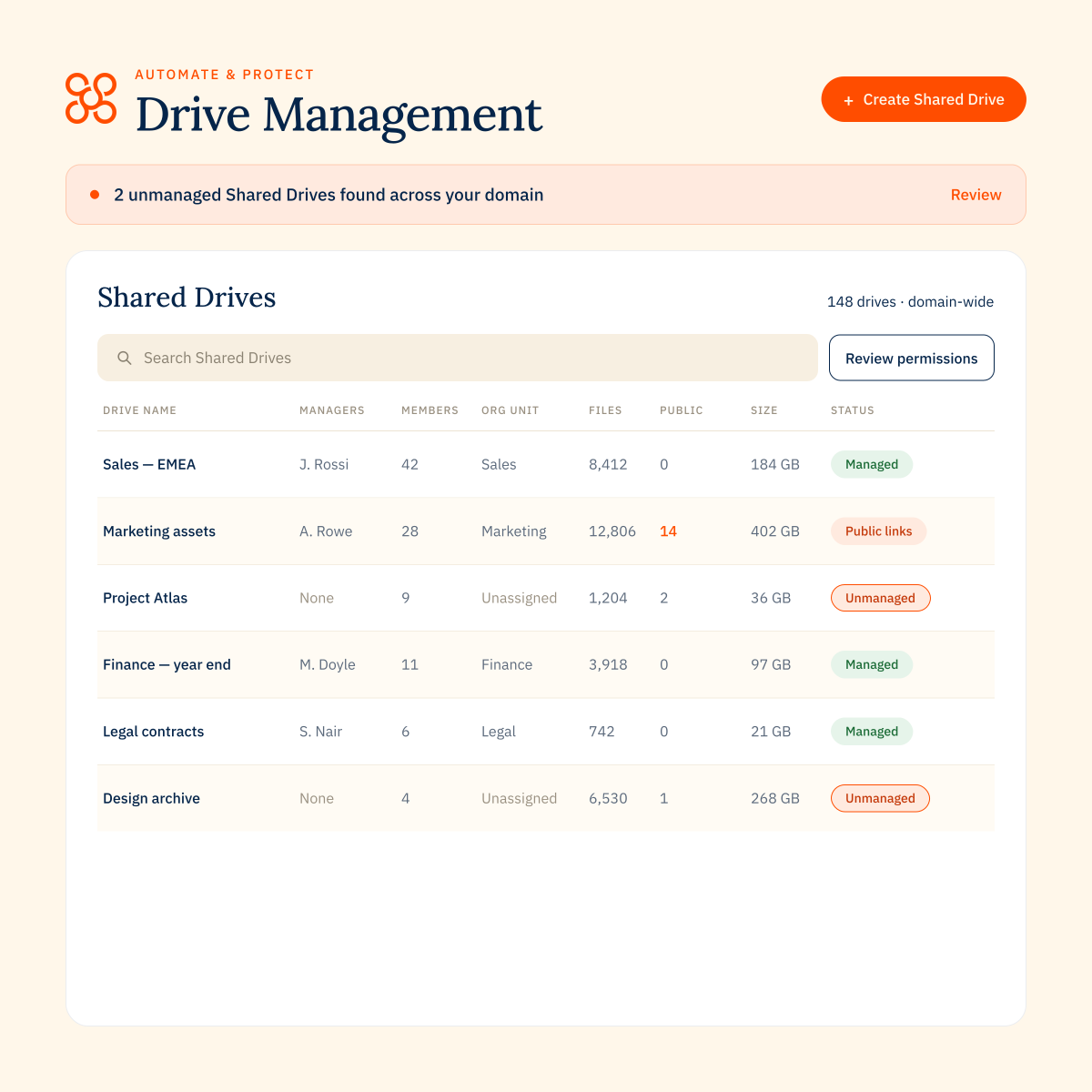
CloudM flags Shared Drives that do not have a manager, so administrators can filter specifically for unmanaged Drives and review them. You can also search and filter Shared Drives by organisational unit, members, managers, permissions and sync status.
Can I manage Google Drive sharing and permissions?
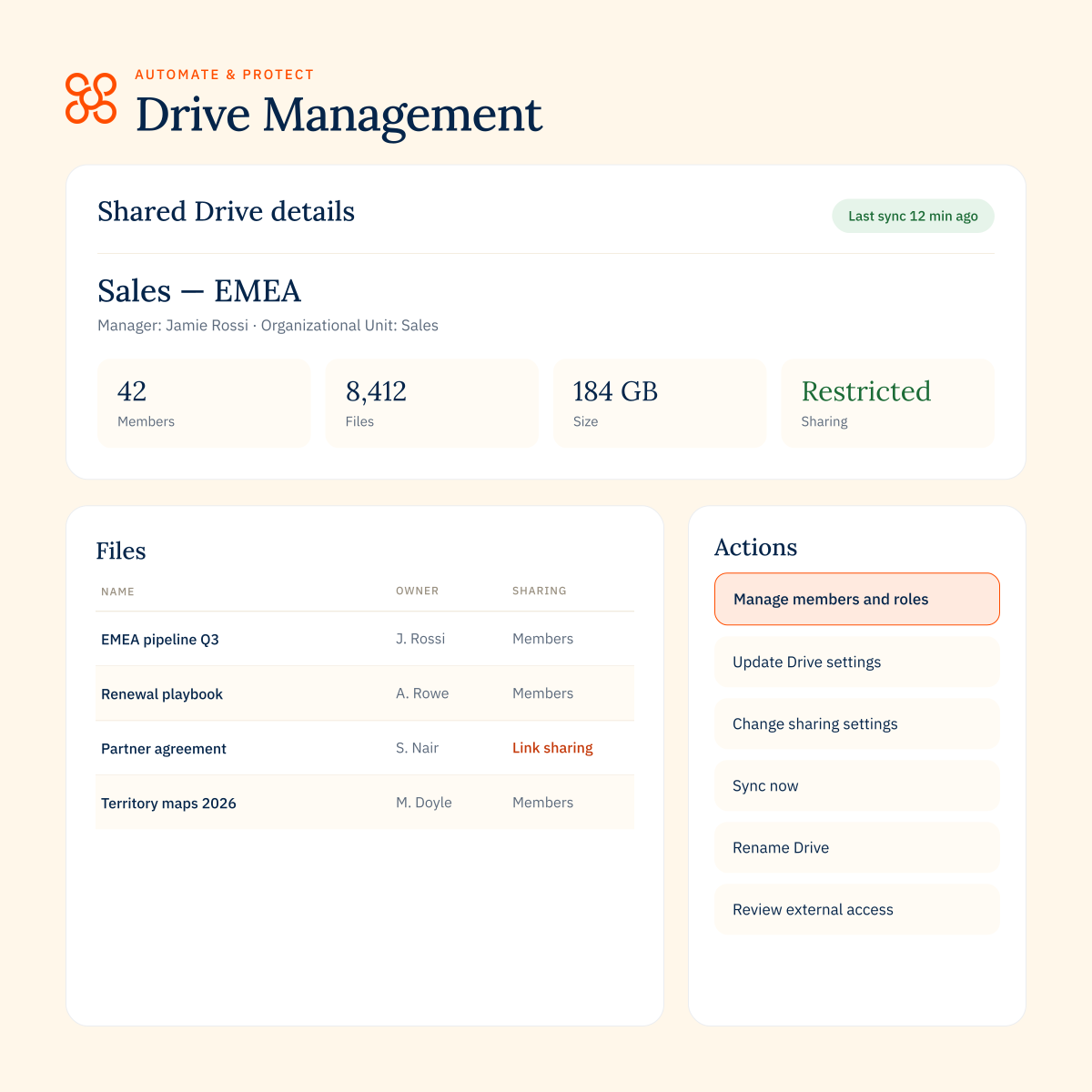
Yes. Drive Management lets administrators review members, roles, sharing settings and access policies for Shared Drives. Within files and folders, admins can also view sharing details and change permissions directly.
How does Drive Management support employee offboarding?
Drive Management helps administrators understand what Drive content a departing user owns or has access to, review external sharing, and transfer or manage files where needed. Used alongside Workflows, Backup and Archive in Automate & Protect, it can form part of a more controlled offboarding process.
What are bulk actions in Drive Management?
Bulk actions let Enterprise admins apply one change across a large set of Shared Drives. Build a query using up to five conditions, review the Drives CloudM finds, then run the action when you’re ready. Bulk actions can be used for tasks such as updating Drive settings, managing members and roles, moving Drives between organisational units, removing public links and cleaning up Drive content.
What’s the difference between selecting multiple Shared Drives and using bulk actions?
Pro and Enterprise users can select and update up to 50 Shared Drives from the Shared Drives list. Enterprise bulk actions go further by using conditions to target a much larger set of Drives, preparing the results for review before the action is run.