Why automate & protect
Built for Google Workspace operations
Reduce daily admin risk, protect data and apply policies consistently across every user, team and location.

Protect and archive critical data for less, manage Google Drive and automate offboarding, all with visibility IT teams need to support compliance.


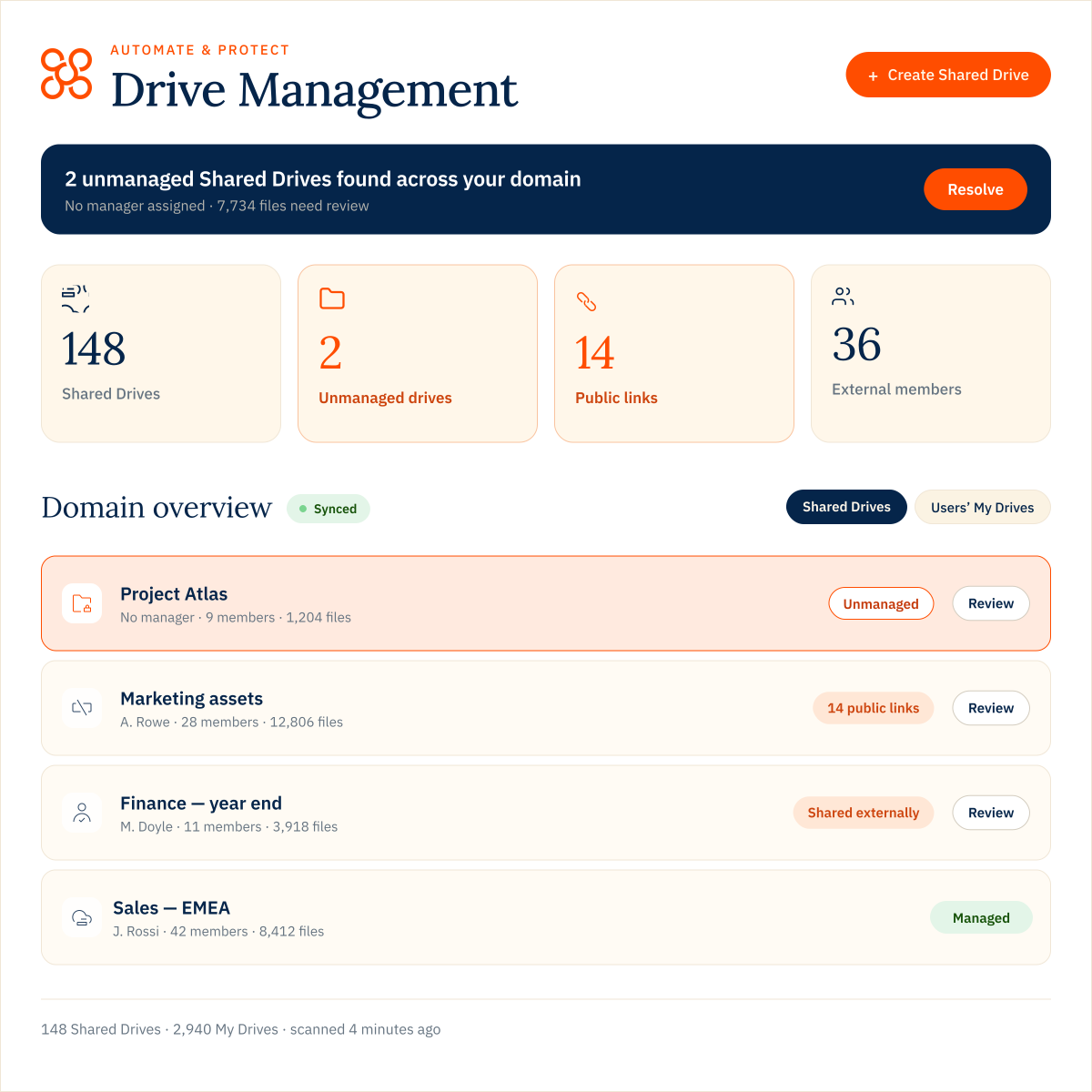
See what’s happening across users’ My Drives and Shared Drives, identify access and ownership issues, and take action at the level your organisation needs.
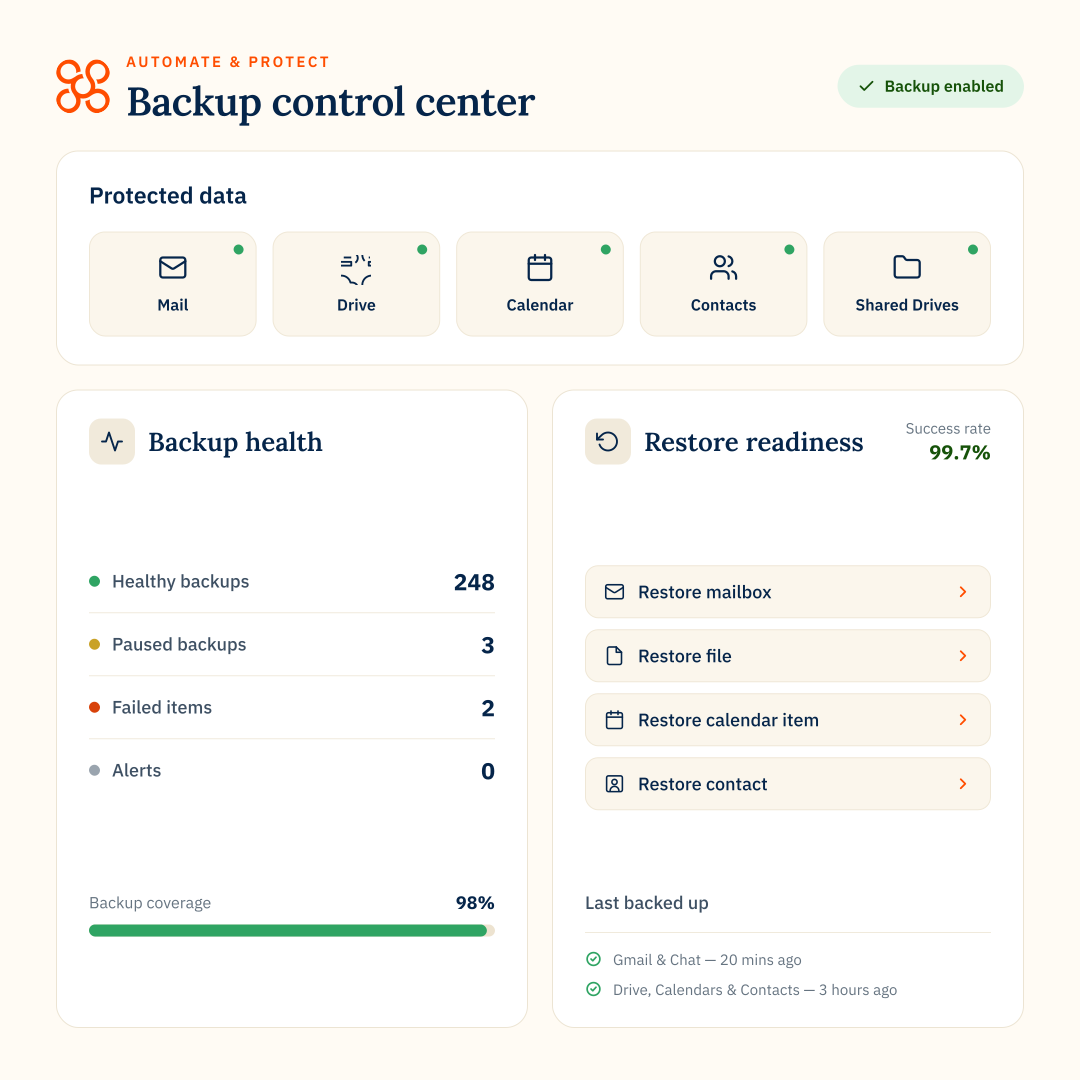
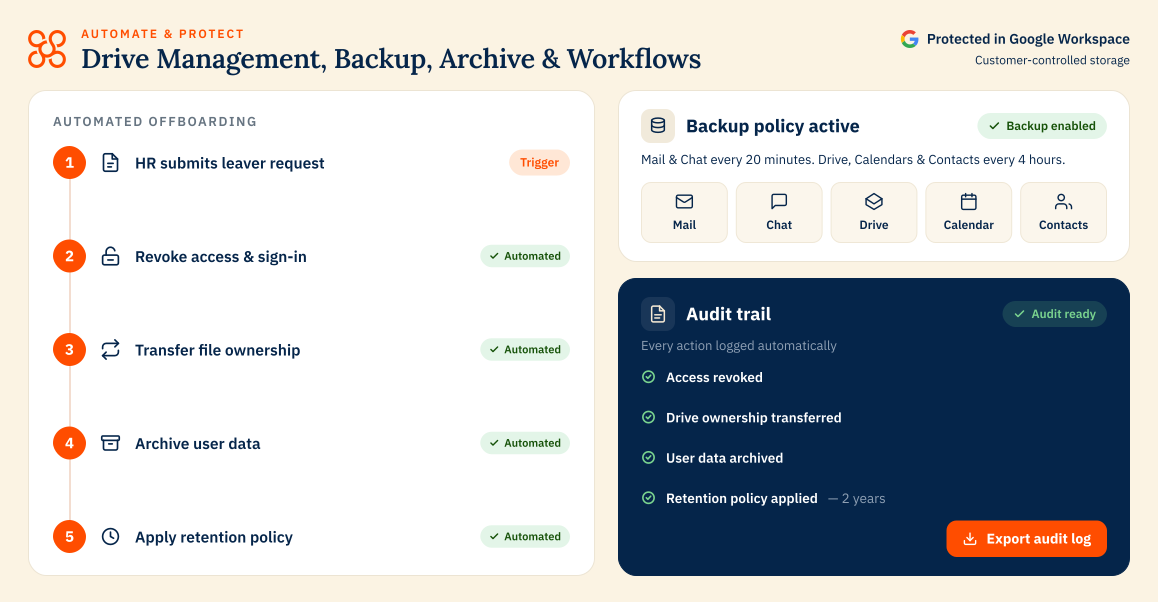
Back up Gmail, Drive, Shared Drives, Calendar, Contacts and Chat with configurable schedules, customer-controlled storage and granular restore options.
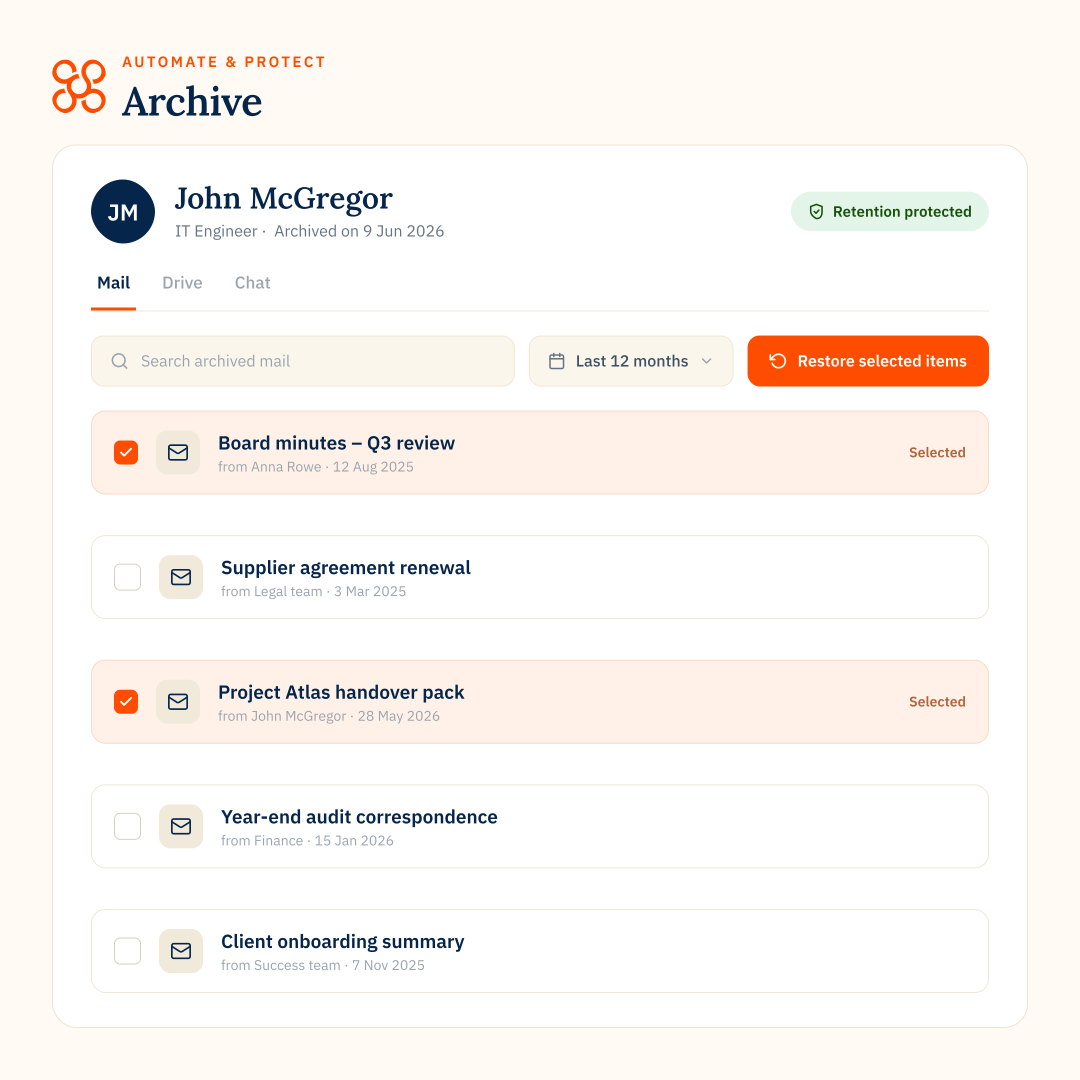
Archive former employee data so you can retain access for compliance, reduce license spend and keep Workspace organized.
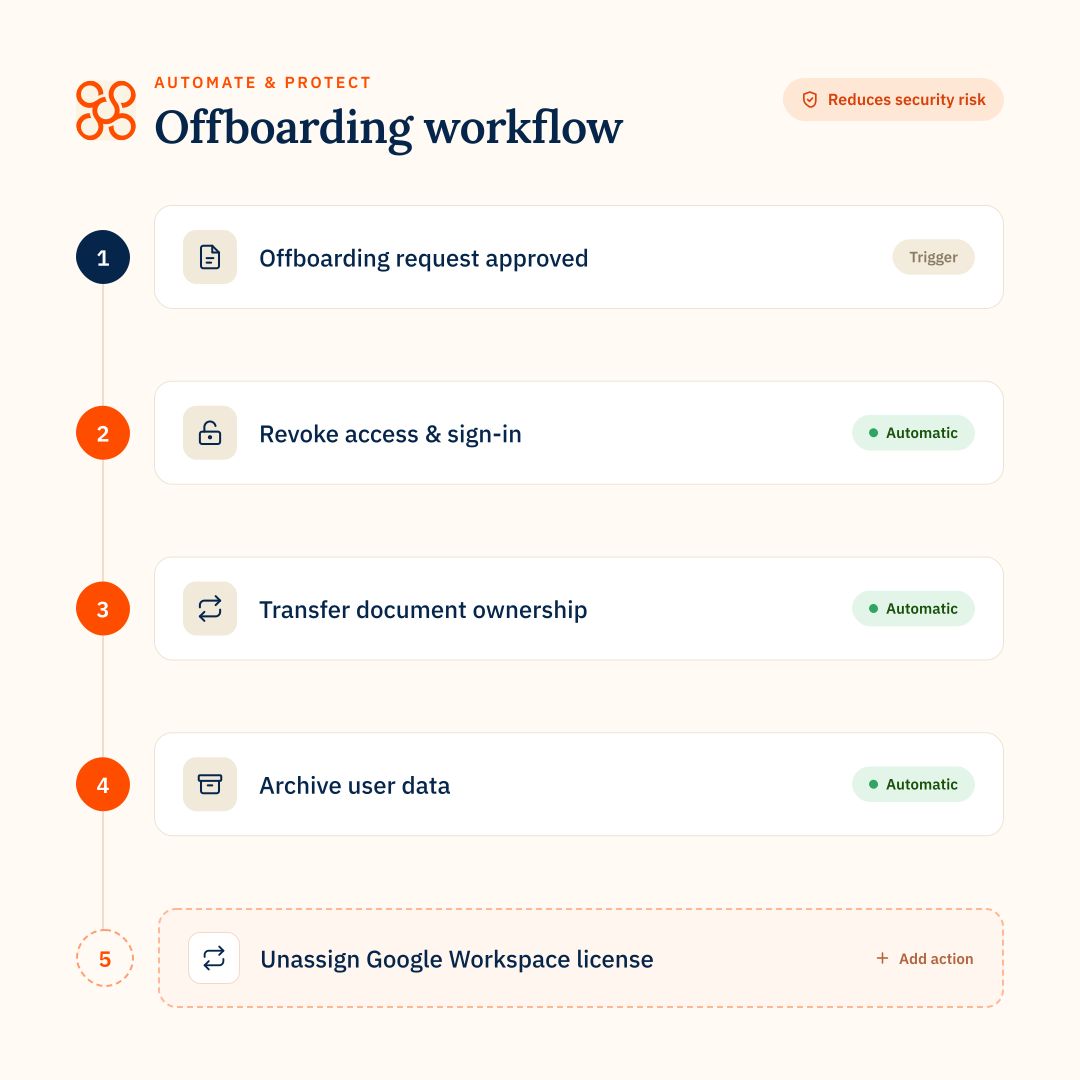
Create repeatable workflows for leavers so access, data protection and license actions happen in the right order across Google Workspace.
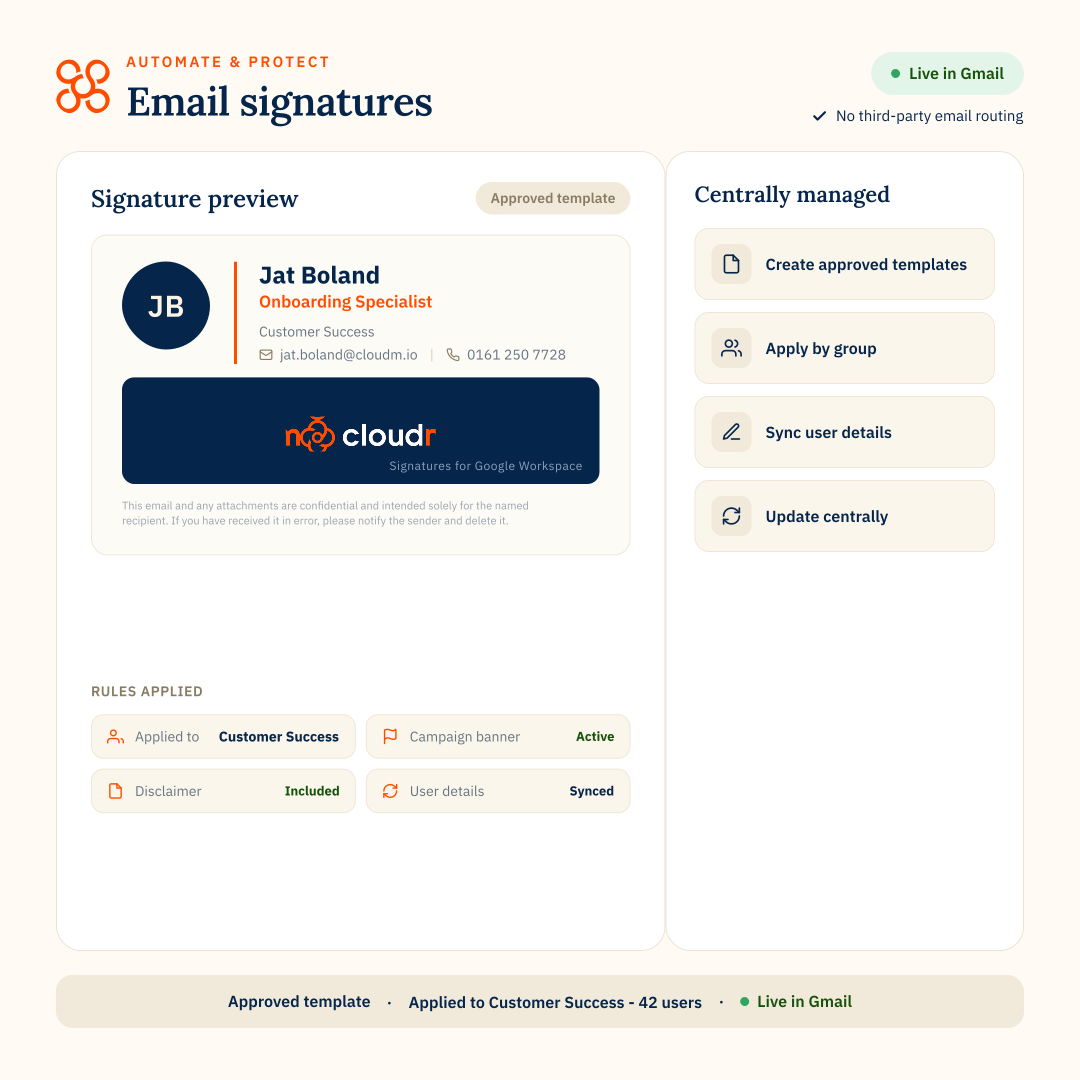
Centrally control email signatures, disclaimers and campaigns across every user in your organization.
Estimate operational savings based on your team’s size
from archiving leaver data and reclaiming licenses
600 IT hours saved
across Gmail, Drive, Shared Drives, Calendar, Contacts a& Chat

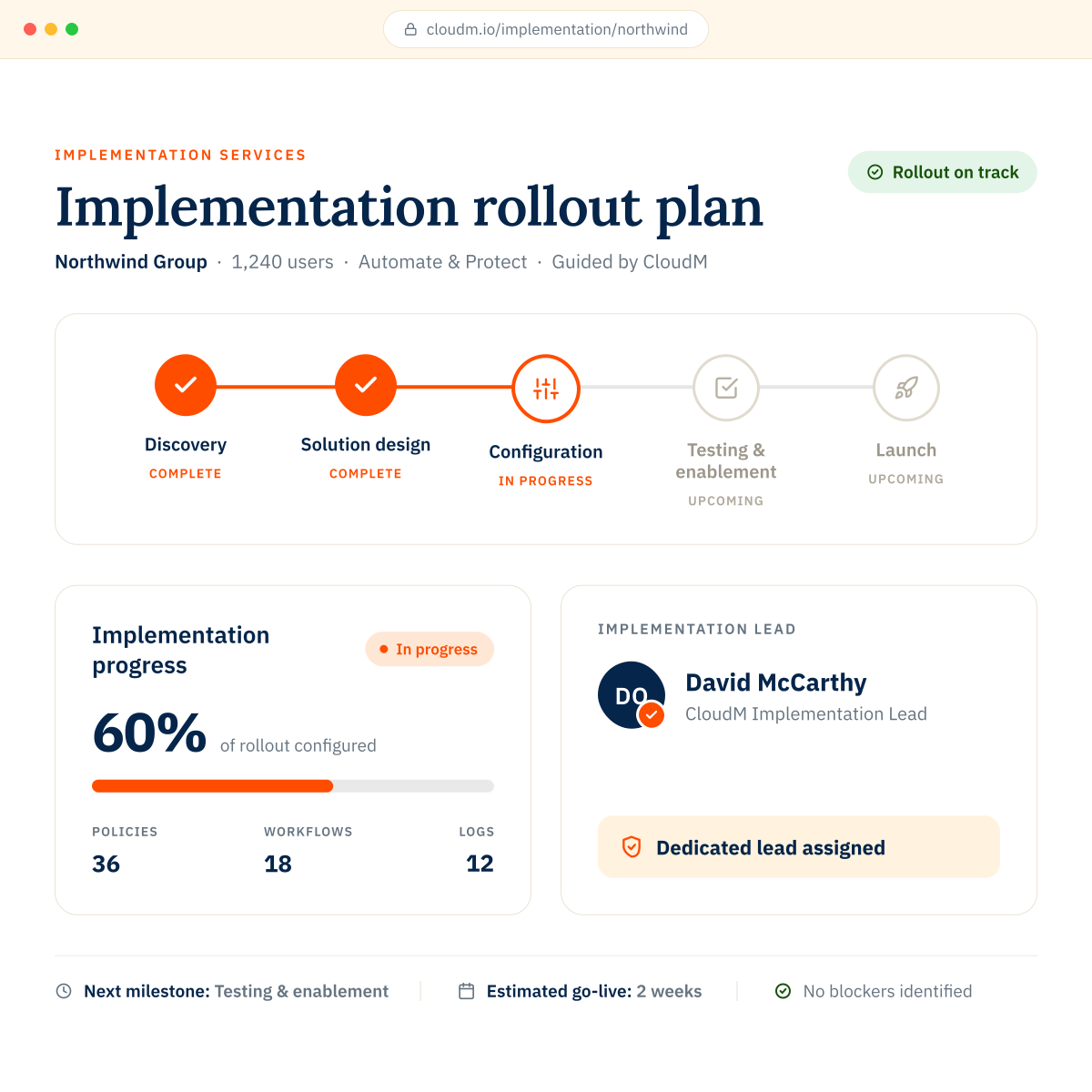
CloudM specialists help configure Drive, backup, archive and workflow policy settings so your team can launch Automate & Protect with confidence.