Skip to main content.
MICROSOFT 365 TENANT-TO-TENANT MIGRATION

Move Microsoft 365 users and data between tenants with less risk

Consolidate, separate or restructure Microsoft 365 tenants while preserving mail, files, Teams data, permissions and shared resources.

Trusted by 50,000+ customers around the globe

Customer stories
Migration scope

Move the Microsoft 365 data your users rely on

A Microsoft 365 tenant-to-tenant migration needs to account for how users work across Exchange, OneDrive, SharePoint, Groups and Teams. CloudM helps you plan and move the core workloads that keep users connected after cutover.

CloudM supports the main Microsoft 365 workloads involved in complex tenant moves:
Migration PLANNING

Plan the order before data moves

Microsoft 365 tenant migrations depend on the right setup before the first migration pass. Users, licenses, OneDrive provisioning, connections, batches and Teams configuration all need to be prepared so data can land in the destination tenant correctly.

Destination readiness

Prepare users, licenses and OneDrive in the destination tenant before migration begins.

Batch by entity type

Separate users, shared mailboxes, SharePoint, Groups and Teams into dedicated migration batches for clearer control.

Plan Teams separately

Teams migrations need specific configuration and phased handling, especially for channels, tabs, Planner data and private chats.
“CloudM’s level of expertise makes a big difference when you’re working at enterprise scale and need confidence that data is being handled correctly.”
Dan M.
HOW CLOUDM HELPS

Built for complex Microsoft 365 tenant migrations

CloudM gives IT teams the tools, reporting and migration expertise to plan, move and validate Microsoft 365 tenant-to-tenant projects.

Pre-migration discovery

Assess item counts, data volume, folder depth, permissions and potential migration issues before the project starts.

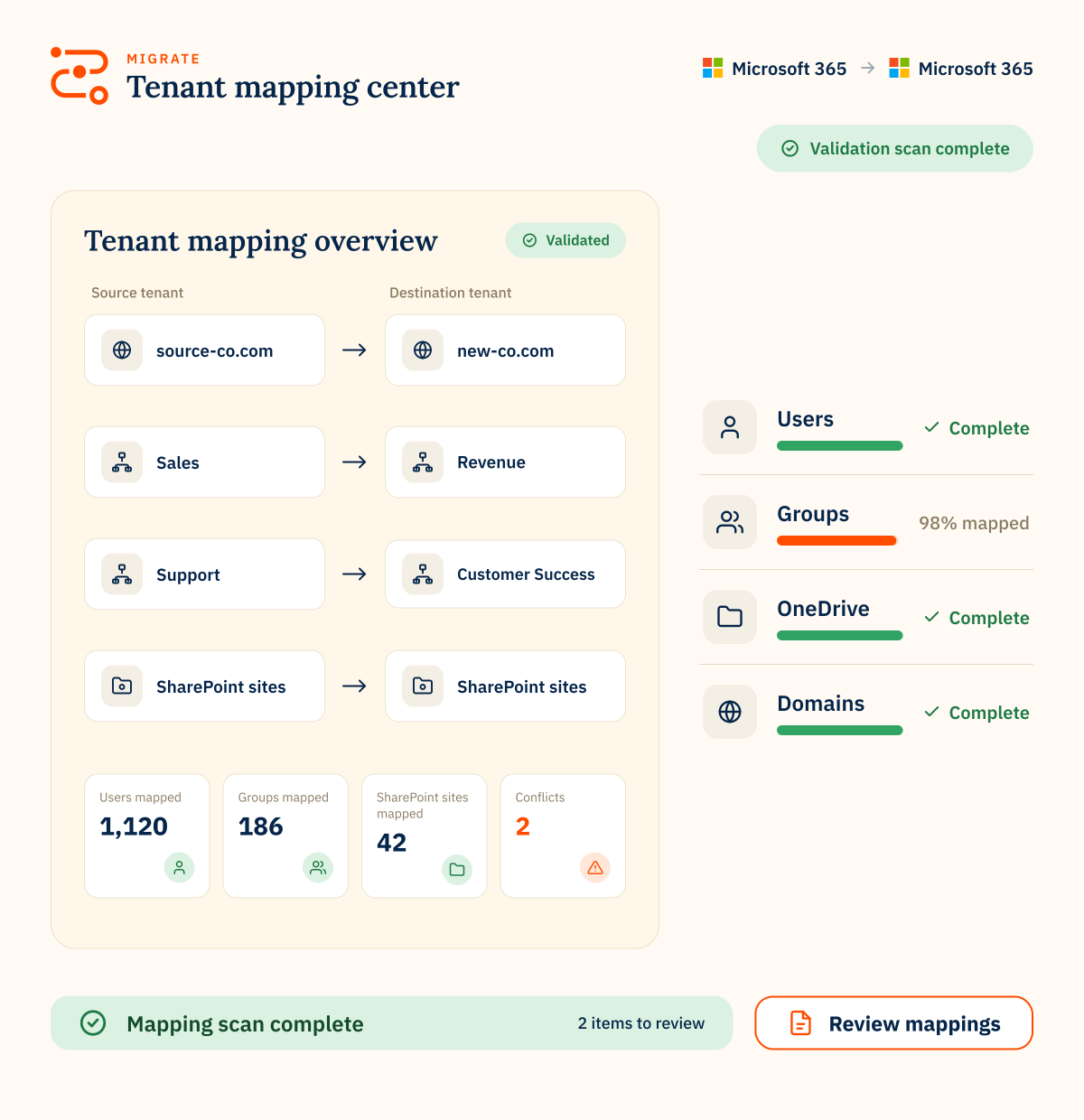
Identity and address mapping

Map users, aliases and source-to-destination addresses so ownership and access move cleanly.

Migration scheduling

Control migration timing, run staged passes and coordinate cutover around business needs.

Migration reporting

Use audit, trace and service logs to monitor progress, diagnose errors and keep stakeholders informed.

Flexible deployment options

Use hosted SaaS or self-hosted deployment depending on your migration, security and control requirements.

Expert support

Work with CloudM specialists for scoping, planning, migration delivery or post-migration validation.
80mil
Workspace migrations
75PB
of data moved
99.7%
success rate
470B
items transferred
MICROSOFT 365 TENANT-TO-TENANT MIGRATION

FAQs

What can CloudM migrate between Microsoft 365 tenants?
CloudM can migrate Microsoft 365 workloads including mail, contacts, calendars, chats, files, Teams, SharePoint sites, Groups and archive data where supported.
How should we plan a Microsoft 365 tenant-to-tenant migration?
Start by preparing the source and destination environments, confirming licensing, configuring connections, provisioning users and OneDrive, and creating migration batches by entity type.
Can CloudM migrate Microsoft Teams between tenants?
Yes. CloudM supports Microsoft Teams migration, including Teams conversations, users, settings, channels, tabs and related data where supported. Teams migration needs specific configuration and is usually handled in more than one pass.
Why use delta passes during a tenant migration?
Delta passes help capture recent changes after the initial bulk migration, so data remains current before users switch to the destination tenant.
Can CloudM support complex or high-volume Microsoft 365 tenant migrations?
Yes. CloudM supports complex projects with pre-migration scans, reporting, migration scheduling, high-speed migration options, flexible deployment and expert support.