Skip to main content.
MERGERS & ACQUISITIONS MIGRATION

Consolidate users and data after a merger or acquisition

Bring teams, tenants and data into one Google Workspace or Microsoft 365 environment with the visibility, control and expert support needed to reduce migration risk.

80mil
Workspace migrations
75PB
of data moved
99.7%
success rate
470B
items transferred
Post-acquisition migration

Move faster without losing control

Mergers and acquisitions rarely involve a simple data move. You need to combine users, files, mail, groups, permissions and shared resources while keeping teams productive and protecting business-critical information. A successful M&A migration usually comes down to three priorities:
Migration complexity

M&A migrations create hidden dependencies

When companies combine, users, groups, files and permissions often span multiple tenants. If those dependencies are missed, people can lose access to mail, calendars, files and shared resources.

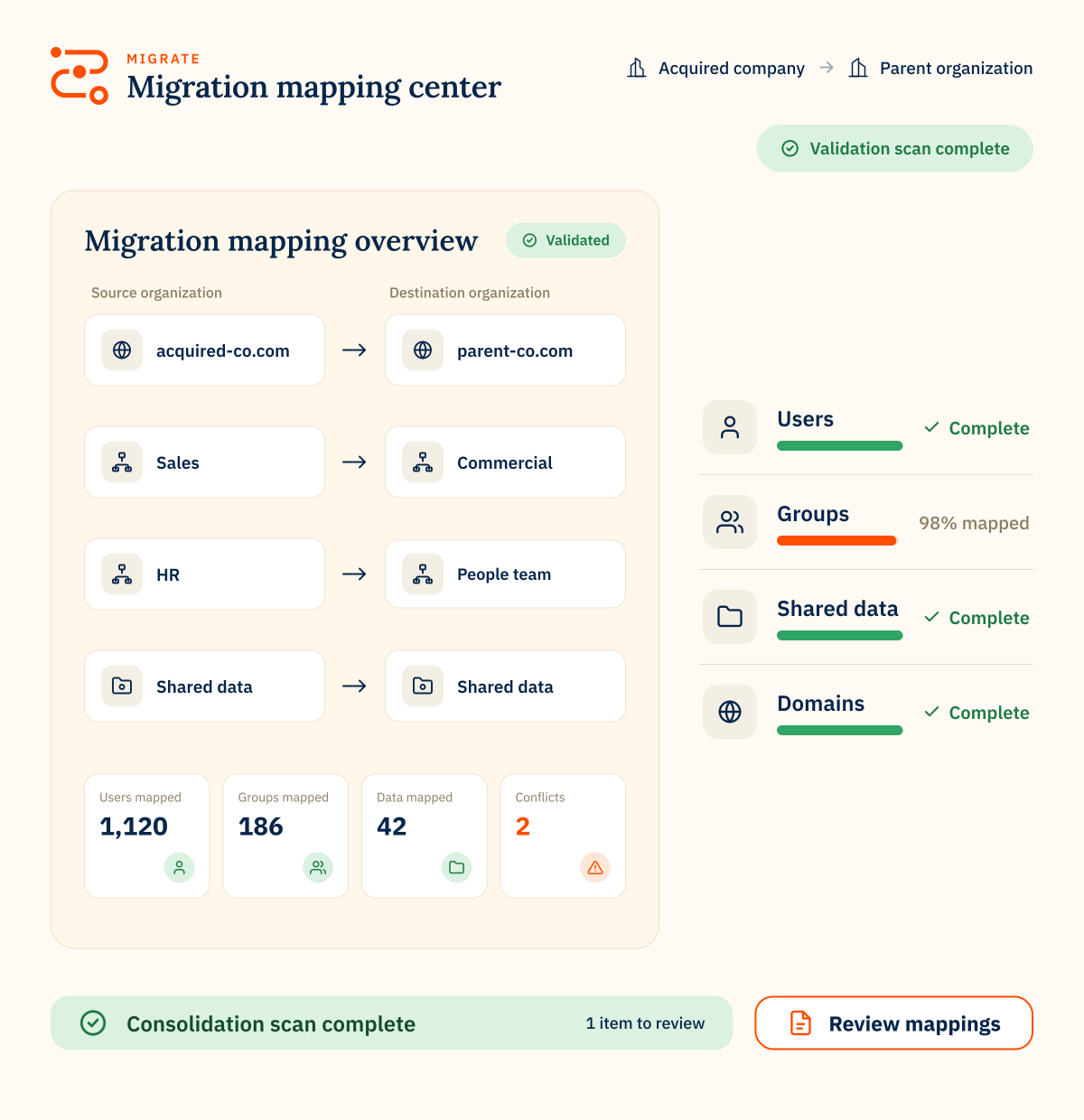
The order matters. Before data moves, map identities, shared data and access before cutover to keep the migration on track.

Map users and identities

Align source and destination accounts before migration so ownership, access and collaboration data can move cleanly.

Map shared data dependencies

Identify shared files, folders, groups and resources that depend on users across both organizations.

Validate before go-live

Check migration results, permissions and user access before the final cutover.
How CloudM helps

Built for complex post-acquisition migrations

Migrate supports large, multi-platform projects across Google Workspace, Microsoft 365 and other source environments, with reporting and expert support to help teams plan, move and validate data.

Multi-platform migration

Move users, mail, files and collaboration data across Google Workspace, Microsoft 365 and supported source platforms.

Pre-migration discovery

Assess users, data, permissions and file structures before migration starts.

Permission mapping

Plan group, file and resource access so users land in the destination with the right permissions.

Phased migration planning

Run pilot, bulk and delta migrations to reduce disruption and keep data current.

Migration reporting

Track progress, surface issues early and keep stakeholders informed throughout the project.

Expert delivery support

Bring in CloudM specialists for scoping, planning, migration delivery and post-migration support.
“Without a tool like this, migrations would be far more manual, time-consuming, and risky, especially at an enterprise level where you’re dealing with significant volumes of user data and tight timelines.”
Dan M.
MERGERS & ACQUISITIONS MIGRATIONS

FAQs

What should we plan before an M&A migration?
Start by identifying which users, data, mailboxes, files, groups and shared resources need to move. It is also important to review permissions, duplicate accounts, inactive users and legacy data before migration begins.
Can CloudM consolidate multiple Google Workspace or Microsoft 365 tenants?
Yes. CloudM supports tenant-to-tenant migrations within Google Workspace and Microsoft 365, as well as migrations between platforms.
How do you reduce disruption during an acquisition migration?
CloudM supports phased migration approaches, including pilot groups, bulk migration passes and delta migrations before cutover. This helps keep data current while reducing disruption for end users.
What happens to permissions during an M&A migration?
Permissions need careful planning, especially when files, groups and shared resources span multiple teams or tenants. CloudM helps map users, groups and resources so access can be recreated in the destination environment.
Should we migrate everything after an acquisition?
Not always. M&A projects are a good opportunity to review inactive accounts, legacy files and historical data. Some data may be better archived or retained rather than moved into the new live environment.