
Skip to main content.
HIPAA READINESS FOR GOOGLE WORKSPACE

Support HIPAA readiness with Google Workspace backup and recovery

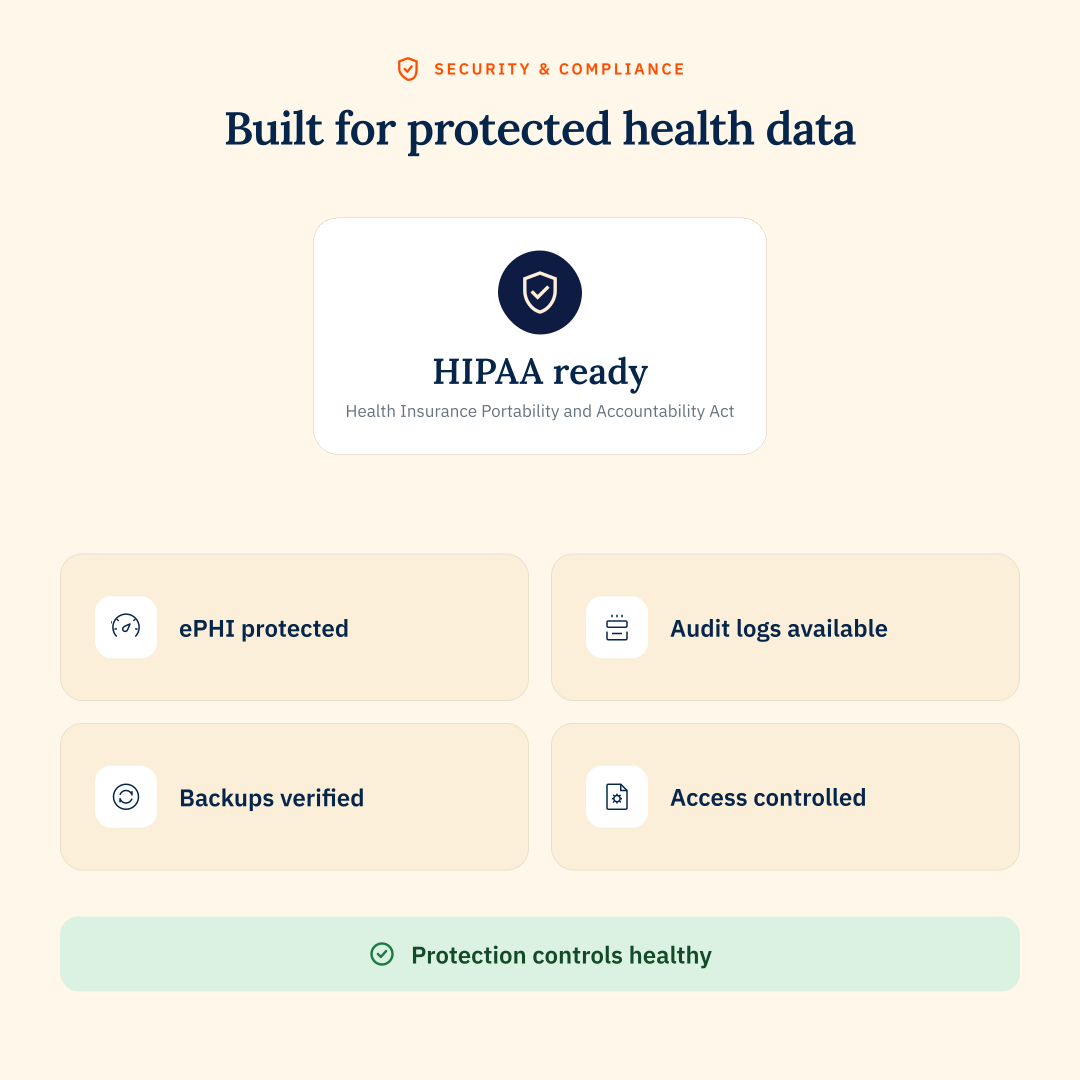
CloudM helps healthcare organizations protect electronic protected health information (ePHI) in Google Workspace with backup, restore and reporting controls in Automate & Protect.

about HIPAA

Key HIPAA backup requirements

HIPAA requires healthcare organizations to protect electronic protected health information (ePHI) and make sure it can be recovered after loss, disruption or a security incident. For Google Workspace data, that means having clear backup, recovery and evidence controls in place.

The cost of getting it wrong

Healthcare teams need to know that patient data is protected, recoverable and available when it matters. If backup and recovery processes fail, the impact can be serious, from lost access to critical information to fines, legal risk and loss of patient trust.
BACKUP & RECOVERY

How Automate & Protect supports HIPAA readiness

Automate & Protect keeps Google Workspace data recoverable, documented and under control, with the visibility healthcare teams need to support HIPAA reviews.

Scheduled Google Workspace backups

Back up Gmail and Drive data regularly, with backup policies applied across users, teams or dynamic groups.

Granular restore controls

Restore specific files, folders, versions, users or larger data sets, so teams can recover only what they need.

Customer-owned storage

Keep backup data in your own AWS or Google Cloud storage environment to support data ownership, residency preferences and vendor exit planning.

Policy-based retention

Apply retention policies across users, teams or dynamic groups, helping backup and archive rules stay aligned as your organization changes.

Detailed backup logs

View backup status and maintain logs that help show backup activity, restore readiness and control performance.

Security and reporting controls

Support security and compliance reviews with backup visibility, reporting and CloudM’s certified security controls.
HIPAA BACKUP & RECOVERY

FAQs

How does CloudM support HIPAA backup and recovery requirements?
CloudM’s Automate & Protect helps healthcare organizations protect Google Workspace data with scheduled backups, granular restore controls, policy-based retention and detailed reporting. These controls support HIPAA contingency planning requirements, including data backup and disaster recovery planning.
Where is backup data stored?
Backup data is stored in your own AWS or Google Cloud storage. This helps organizations maintain control over backup data, storage location and vendor exit planning.
Can CloudM help with HIPAA documentation and audit evidence?
Yes. CloudM’s Automate & Protect provides backup status visibility, logs and reports that help IT and compliance teams evidence backup activity, recovery readiness and retention controls during internal reviews or external audits.
Does Automate & Protect make us HIPAA compliant?
No single tool can make an organization HIPAA compliant. Automate & Protect supports HIPAA readiness by helping teams protect, retain, restore and document Google Workspace data controls.