





For Google Workspace
Automate Domain-Wide Email Signatures and Reclaim Your Week
- Flawless Client Syncing: Native cloud integration forces signatures to display perfectly inside Gmail and Outlook without user-side setup.
- Fix Layout & Image Bugs: Eliminate broken HTML formatting and stop embedded brand logos from dropping as attachments.
- Effortless OU Deployment: Instantly target and assign custom signature layouts to specific Organizational Units or sending groups.
Automate Domain-Wide Email Signatures and Reclaim Your Week
- Flawless Client Syncing: Native cloud integration forces signatures to display perfectly inside Gmail and Outlook without user-side setup.
- Fix Layout & Image Bugs: Eliminate broken HTML formatting and stop embedded brand logos from dropping as attachments.
- Effortless OU Deployment: Instantly target and assign custom signature layouts to specific Organizational Units or sending groups.






Save time with automated email signatures
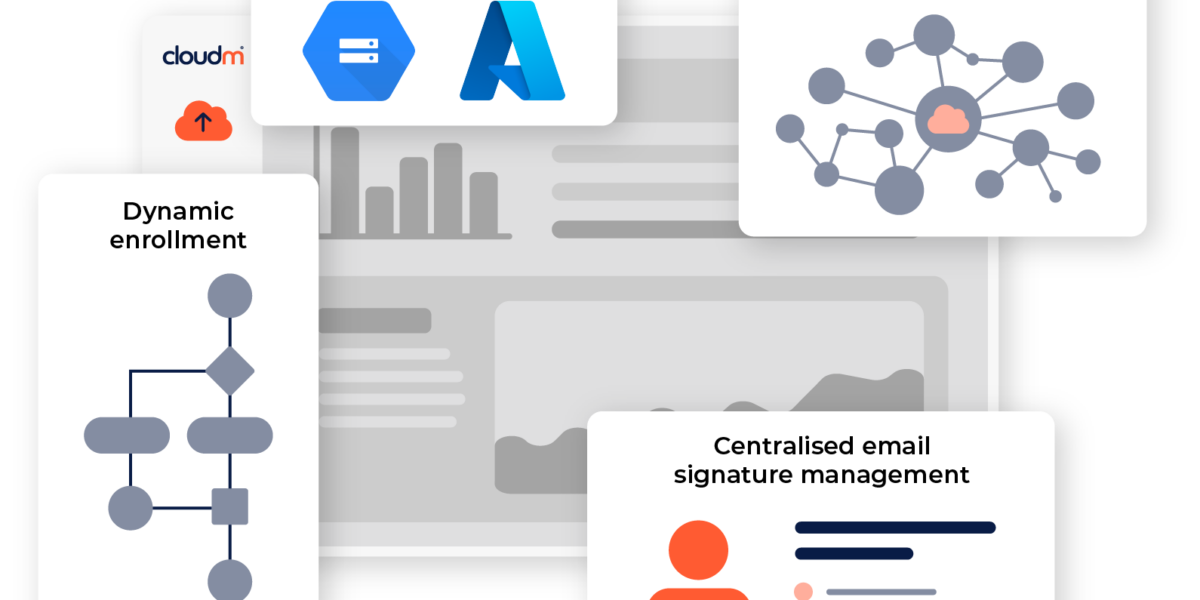
Swiftly create and deploy email signatures, automatically assign them to departments or dynamic groups, and streamline onboarding/offboarding with smart automation for new team members.
Key Features
"We needed a solution that worked really well and where we could easily manage the signatures in use across the organization."




Ready to get started?
Learn how CloudM Signatures save time and boost productivity with automated email signatures. Speak to our specialists to learn how CloudM can help you through designing, deploying and automating email signatures for Google Workspace.
Our departments need different signatures for compliance and marketing. Is there an easy way to manage this without manually updating each one?
Yes. CloudM lets you create and assign signatures using dynamic rules based on your existing Google Workspace organisational units (OUs).
This means your sales team automatically gets the signature with their sales-focused banner, while your legal team gets the one with the required compliance disclaimer, all managed from a central dashboard.
We struggle to get every employee to use the correct, on-brand signature. How can we enforce consistency?
This is a very common challenge. CloudM Signatures solves this by deploying signatures directly to users’ email clients (Gmail) automatically.
There’s nothing for the end-user to do, and no way for them to manually edit or use an old version. This ensures 100% brand consistency across every single email sent.
Why do our signature images sometimes appear as attachments instead of in the signature? It looks unprofessional.
This often happens when images are not hosted or embedded correctly. CloudM hosts all your images (like logos and social media icons) and embeds them properly within the signature’s code. This ensures they always appear correctly and professionally, never as inconvenient attachments.
Can we use email signatures for marketing? For example, adding a promotional banner and scheduling it to be removed automatically?
Absolutely. This is one of the most powerful features. You can add marketing banners to any signature template and schedule them to run for a specific period. It’s perfect for promoting events, new content, or company news. Once the campaign ends, the banner is removed automatically, with no extra work needed.
My IT team is already stretched. How much work is it to deploy CloudM Signatures?
CloudM Signatures is designed for a fast and simple rollout. It integrates directly with your Google Workspace environment, pulling all your user data automatically.
Setup is done in minutes through an intuitive web-based portal, not a complex project. Your team can set the rules, design the signatures, and deploy to the entire organisation in under an hour.
How does your pricing work?
Our pricing is simple and transparent: a straightforward per-user, per-year subscription.
There are no hidden fees. Your subscription includes all features like scheduling campaign banners, analytics, and unlimited signature templates, as well as full access to our support team and image hosting.
You only pay for the users who need a signature, making it easy to scale as your team changes. This approach ensures you can budget predictably without any surprise costs.