





Tenant-to-tenant Google Workspace migration
Whether you’re facing upcoming mergers and acquisitions or simply consolidating tenants, CloudM can migrate email, contacts, calendars, chats and files from one Google Workspace tenant to another.
Common tenant-to-tenant scenarios
-
Mergers and Acquisitions
-
Tenant Consolidation
-
Divestitures and Spin-Offs
-
Organizations may need to consolidate their Google Workspace environments when merging or acquiring a new company. A tenant-to-tenant migration allows for the transfer of Gmail, Google Drive, Google sites, Google Chats and other data from one tenant to another, ensuring a unified Google Workspace environment.
-
Tenant-to-tenant migrations often occur when an organization chooses to consolidate multiple Google Workspace tenants into a single tenant. This could be due to organizational restructuring, cost optimization or simplifying IT management.
-
Tenant-to-tenant migrations are regularly performed when an organization divests or creates a spin-off into a new entity. This enables the newly formed company to have its independent Google Workspace environment with all the relevant information.
Workloads migrated by CloudM Migrate

Mail Migrations
Easily move emails including attachments, folders and categories into Gmail, as well as address books which are stored in Google Workspace. Any tasks and calendars you may have can also be migrated, allowing your business to carry on exactly where it left off, without missing a single email, appointment or contact.

File Migrations
Seamlessly migrate your files and folders from both Google Drive and Shared Drive into another Google Workspace tenant. Keep folder hierarchies and maintain any access control lists you have in place, meaning once you’ve migrated your files they’ll be exactly as you left them.

Archive Migrations
CloudM lets you migrate your Google Vault data straight to another instance of Google Workspace. Say goodbye to manual migration of data with CloudM’s simple setup allowing you to migrate your organization’s archived emails seamlessly.
CloudM Migrate Key Features
-
Free pre-migration scan
-
Built in reporting
-
Migration scheduling
-
High speed migrations
-
20+ source platforms supported
-
Flexible migration options
-
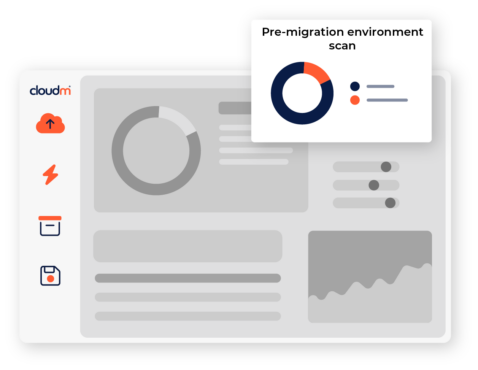
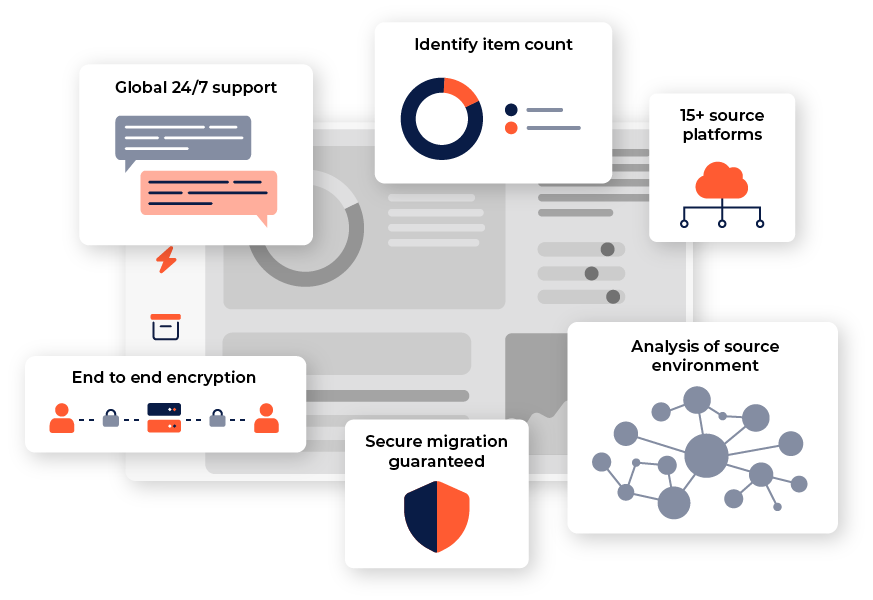
Unique environment scan, performing analysis of your source environment and reporting key statistics such as item counts, data volume, permissions and folder depth.
-
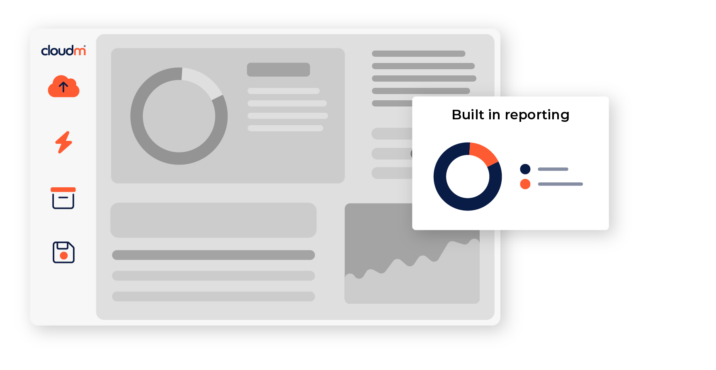
Access in depth audit, migration trace and migration service logs to help quickly diagnose issues and errors. Remotely connect to secondary servers directly from CloudM to quickly resolve errors.
-
Use Powershell scripts to control access and automate processes, making it easy to quickly change configurations.
-
Speed up your migrations by using multiple servers with CloudM. Adding more secondary servers allows more item threads to be migrated simultaneously.
-
Covering emails, calendars, files and archives, the CloudM migration tool moves data from over 15 different source platforms.
-
Choose from the SaaS version of CloudM, or download a self-hosted version to maintain the data in your own environment.
Getting Started
Latest resources

How Retail Businesses Use Google Workspace for Data Privacy Compliance
May 20, 2026
Find out more
5 reasons your M365 customers need a hot standby on Google Workspace
May 7, 2026
Find out more
A Guide to Large-Scale Data Migration for Google Workspace
April 30, 2026
Find out more-
How Retail Businesses Use Google Workspace for Data Privacy Compliance
May 20, 2026
-
5 reasons your M365 customers need a hot standby on Google Workspace
May 7, 2026
-