




CLOUDM BLOG
5 reasons your M365 customers need a hot standby on Google Workspace
In 2025, organisations weathered 16 major M365 outages totalling 94 hours of downtime. Traditional backup takes days to restore. CloudM Continuity mirrors your M365 environment to Google Workspace continuously, so users keep working when Microsoft goes down, and everything syncs back automatically when it returns.
 1 min
1 min 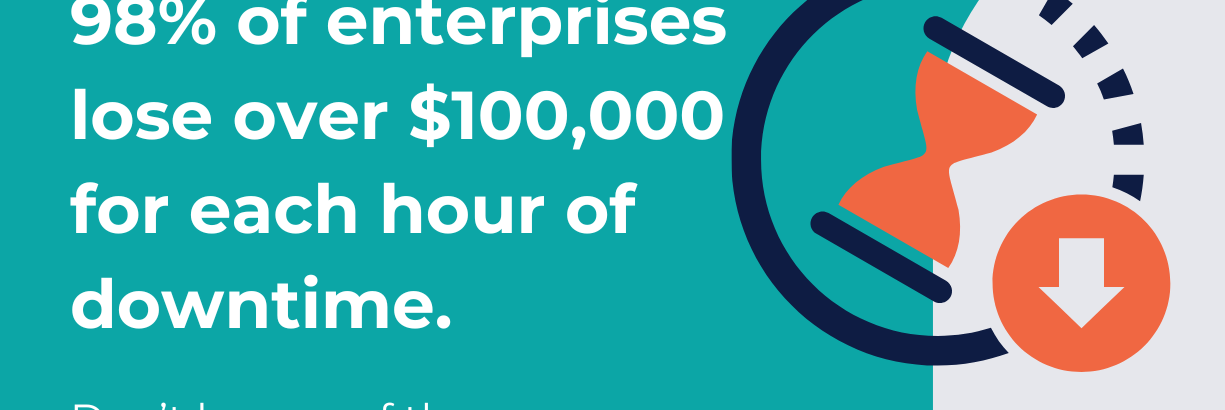
When Microsoft 365 goes dark, is it taking your business with you? In 2025 alone, organisations weathered 16 major global M365 incidents totalling 94 hours of cumulative downtime. The January 2026 outage took Outlook, Teams, SharePoint and core security tools offline for over nine hours.
CloudM Continuity closes the gap. It keeps a live, continuously synchronised copy of your customer’s M365 environment in a separate Google Workspace instance: A hot standby that’s ready the moment Microsoft isn’t.
Here are 5 reasons why every organization relying on M365 should take an honest look at their fallback plans.
Your M365 customers need a hot standby on Google Workspace because…
1. The downtime maths is brutal
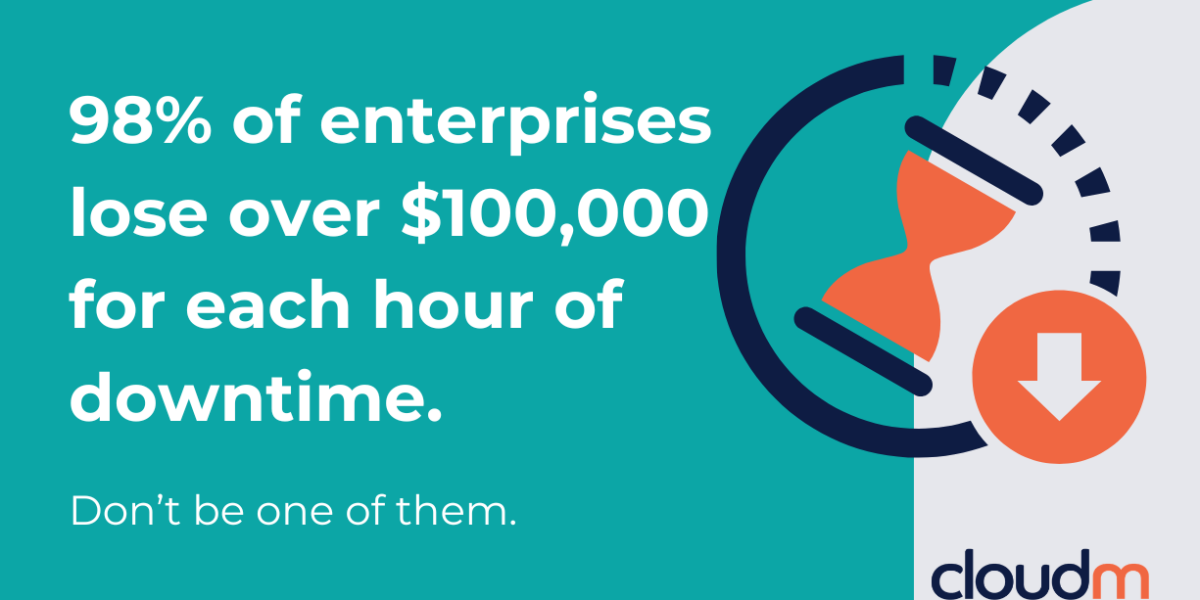
98% of enterprises report a single hour of downtime costing over $100,000. At the top end, ITIC research puts the figure above $1 million per hour. For a 5,000-seat customer, even a few hours offline translates to significant six-figure losses before anyone in IT has finished triaging. That’s not a risk sitting in a spreadsheet somewhere. It’s a liability accruing silently inside every M365 account and the only question is when it surfaces.
2. A 48-hour restore process isn’t a continuity plan
Traditional disaster recovery (restore-from-snapshot, rebuild-and-rehydrate) carries a Recovery Time Objective of 24 to 48 hours. DORA requires EU financial entities to restore critical functions within two hours. NIS2 raises the bar across sectors. For a CISO or compliance officer, pointing at a restore process and calling it continuity is no longer a defensible answer. It’s a documented gap with fines up to EUR 10M or 2% of global annual turnover attached. CloudM Continuity’s Premium tier is built around an hourly sync cycle, with real-time audit logs and documented failover test results that auditors actually want to see.
3. A hot standby means users keep working
CloudM Continuity mirrors mail, calendar, contacts, and documents (coming soon) into a live Google Workspace environment. Sync frequency starts at weekly, daily, or hourly depending on your tier, and your licence sets the minimum. When Microsoft fails, users log into Google and keep working. Mail read states, folder structures and label hierarchies are preserved, so the transition feels familiar rather than like a disaster drill. There’s no recovery script to run, no helpdesk queue building up and no provisioning scramble at the worst possible moment.
4. Recovery is automatic, with no no manual reconciliation
When Microsoft is back, CloudM’s Reverse Recovery Mechanism identifies every email sent and every document created in Google during the outage and merges it back into M365 automatically. Work created during failover doesn’t get orphaned or reconciled by hand at 2am by a tired admin. Your IT team resumes normal service without having to deal with weeks of cleanup.
5. It removes the single point of failure boards are now asking about
CISA and the Cyber Safety Review Board have raised serious concerns about the risks of single-vendor dependency, particularly after reviewing the 2023 Microsoft Exchange Online intrusion. A growing list of industry bodies are pushing for multi-vendor approaches to operational resilience.
Boards are asking CISOs what happens when the one productivity vendor goes down. A live Google Workspace standby is the cleanest, most visible answer: a diversely routed, enterprise-grade alternative running in parallel, not a PDF in a runbook.
Ready to build a business continuity practice for Microsoft 365?
CloudM Continuity is available exclusively through our certified partner network.
If you are a M365 organization looking for a true business continuity solution, please get in touch with us via bc ‘at’ cloudm.io.
If you’re a Google Cloud Partner or MSP wanting to know more about the business opportunity behind CloudM Continuity, get in touch at bc ‘at’ cloudm.io or book a demo.
Ready to build a business continuity for Microsoft 365 practice?
Latest resources
How Retail Businesses Use Google Workspace for Data Privacy Compliance
May 20, 2026
Find out more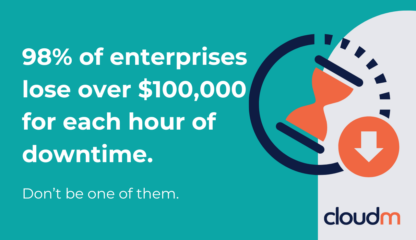
5 reasons your M365 customers need a hot standby on Google Workspace
May 7, 2026
Find out more
A Guide to Large-Scale Data Migration for Google Workspace
April 30, 2026
Find out more-
How Retail Businesses Use Google Workspace for Data Privacy Compliance
May 20, 2026
-
5 reasons your M365 customers need a hot standby on Google Workspace
May 7, 2026
-