Skip to main content.
AUTOMATE & PROTECT

Google Drive backup for business

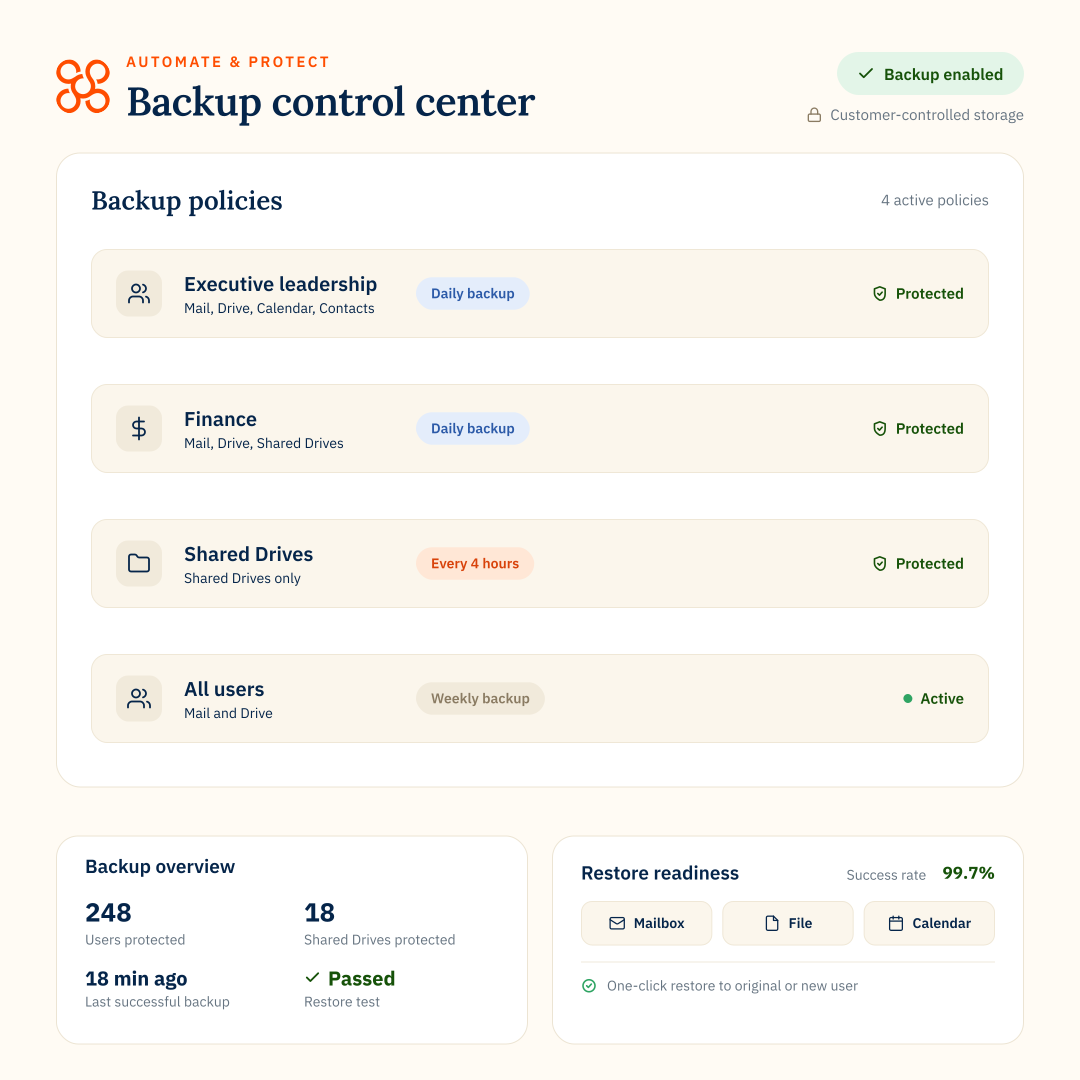
Back up business-critical files across My Drive and Shared Drives with flexible policies and granular search and recovery, so you can restore what you need when data is deleted, changed or lost.

COVERAGE

Back up the Google Drive data your teams rely on

Protect files and folders across users’ My Drives and Shared Drives, with flexible backup coverage for different teams and business needs.
HOW IT WORKS

Set Google Drive backup policies around your business

Backup is built into Automate & Protect. Create policies for users or Shared Drives, choose what to protect and how often, then assign those policies across your organization and monitor backup status from one place.
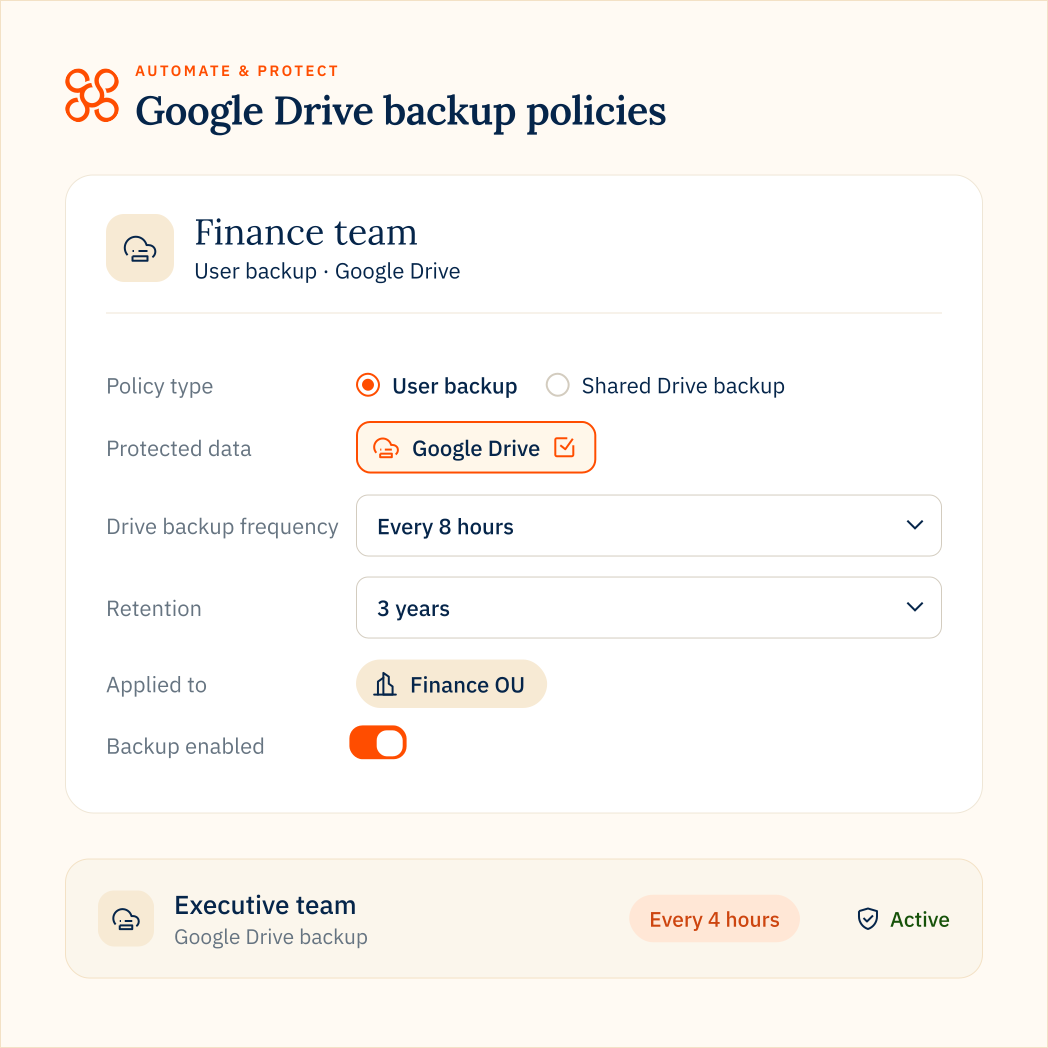
  • Assign user policies through organizational units or Smart Teams
  • Apply policies directly to Shared Drives
  • Monitor backup status and search and restore data when needed
DRIVE BACKUP CONTROLS

Google Drive backup controls IT teams need

Choose how often Drive is backed up

Choose how often Drive data is backed up based on your plan and the needs of different teams, with frequencies from 3 times per week to every 4 hours.

Keep control of storage and costs

Store backup data in your own Google Cloud Storage or Amazon S3 environment, exclude file types and control storage costs with delta backups.

Search and restore the data you need

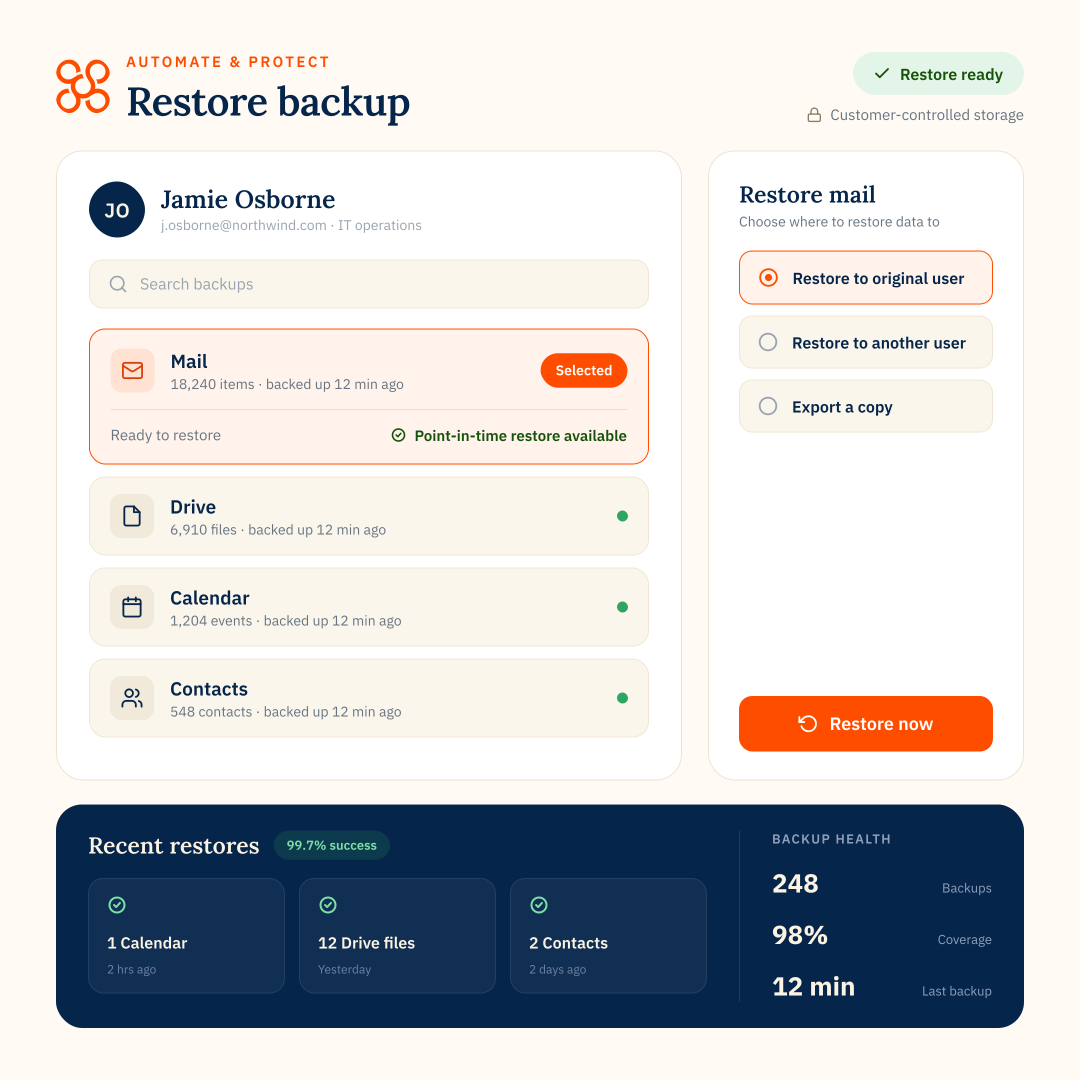
Search backed-up data and recover individual files, folders or Shared Drives from a previous backup point. Restore Shared Drive data to the original drive, another existing Shared Drive or a new drive.

Recover earlier versions of Drive data

Each backup captures changes over time, giving you more recovery points when files are overwritten or changed unexpectedly.
shared drive backup

Keep Shared Drives protected at scale

Shared Drives can contain some of your organization’s most valuable collaborative data.

Automate & Protect helps you apply backup consistently and recover it flexibly when something goes wrong.

  • Apply policies across multiple Shared Drives at once, so you don’t have to configure each one individually
  • Restore a Shared Drive to the original drive, another existing Shared Drive or a new one
  • Recover Drive data from deleted users to another user

Apply policies across multiple Shared Drives at once, so you don’t have to configure each one individually.
PART OF AUTOMATE & PROTECT

Make Google Drive backup part of your wider data protection strategy

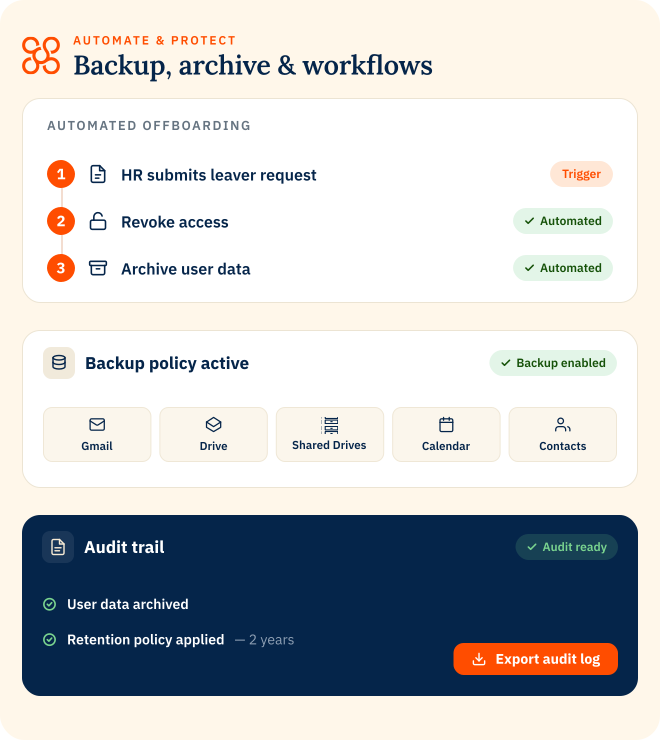
Backup is part of Automate & Protect, bringing Google Workspace data protection together with leaver offboarding.

Back up Drive, Shared Drives, Gmail, Calendar, Contacts and Chat while managing policies, backup health, recovery and reporting from one platform.
Explore Automate & Protect
Back up active data
Retain leaver data for less
Automate leaver offboarding
GOOGLE DRIVE BACKUP

FAQs

What Google Drive data can Automate & Protect back up?
Automate & Protect backs up files and folders in users’ My Drives and Shared Drives. You can control how much historical Drive data is captured in the first backup and exclude unnecessary file types to help reduce storage use.

You can also limit how far back the initial backup goes and exclude unnecessary file types to help reduce storage use.

Google Drive can also be protected alongside other Google Workspace data, including Gmail, Calendar, Contacts and Chat.
Can you back up Google Shared Drives?
Google Drive backup frequency depends on your Automate & Protect tier.

Available frequencies range from three times per week through to every four hours. Enterprise customers can configure Drive backups to run as frequently as every four hours.
How often does Google Drive backup run?
Google Drive backup frequency depends on your Automate & Protect tier.

Available frequencies range from three times per week through to every four hours for Enterprise customers.
Can I restore individual Google Drive files and folders?
Yes. Automate & Protect supports granular search and recovery, so you can restore individual Drive files or folders rather than recovering an entire account when only specific data is needed.
Where is Google Drive backup data stored?
Automate & Protect lets organizations use their own Google Cloud Storage or Amazon S3 environment for Google Workspace backup data, helping businesses maintain control over where backup data is held.