
HOW IT WORKS

Centrally manage every Google Workspace email signature
Design, deploy and update consistent email signatures across your organization, whether you use Signatures as part of Automate & Protect or as a standalone product.
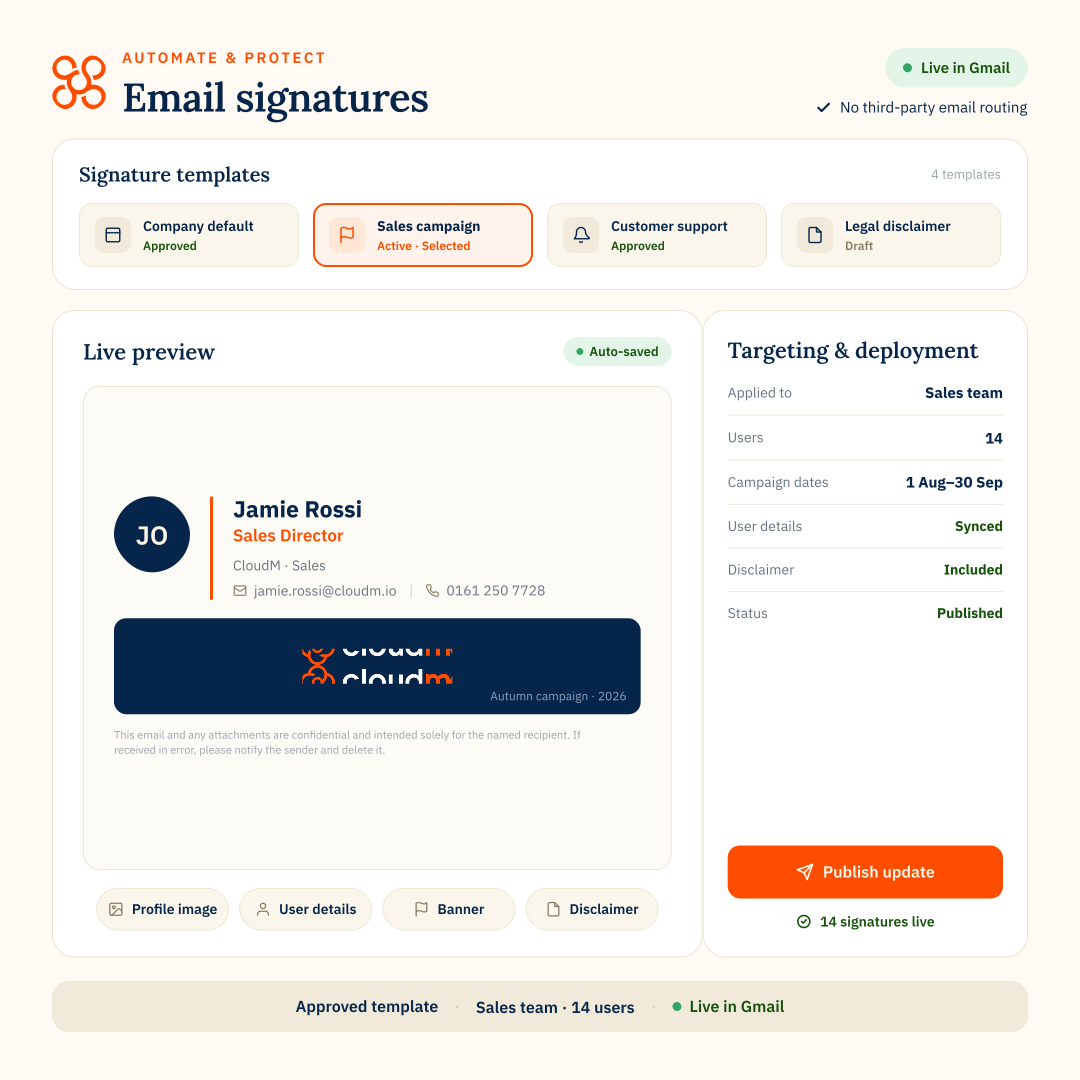
marketing on autopilot
Email signatures are too visible to leave unmanaged
Signatures appear on every employee email, but they’re often inconsistent, outdated or manually maintained by individual users. Automate & Protect gives teams centralized control, so every signature stays accurate, on brand and easier to govern.
- Keep branding consistent across every user
- Update contact details, job titles and departments automatically
- Deploy banners and campaign messages without chasing employees
- Reduce IT tickets for signature setup and fixes
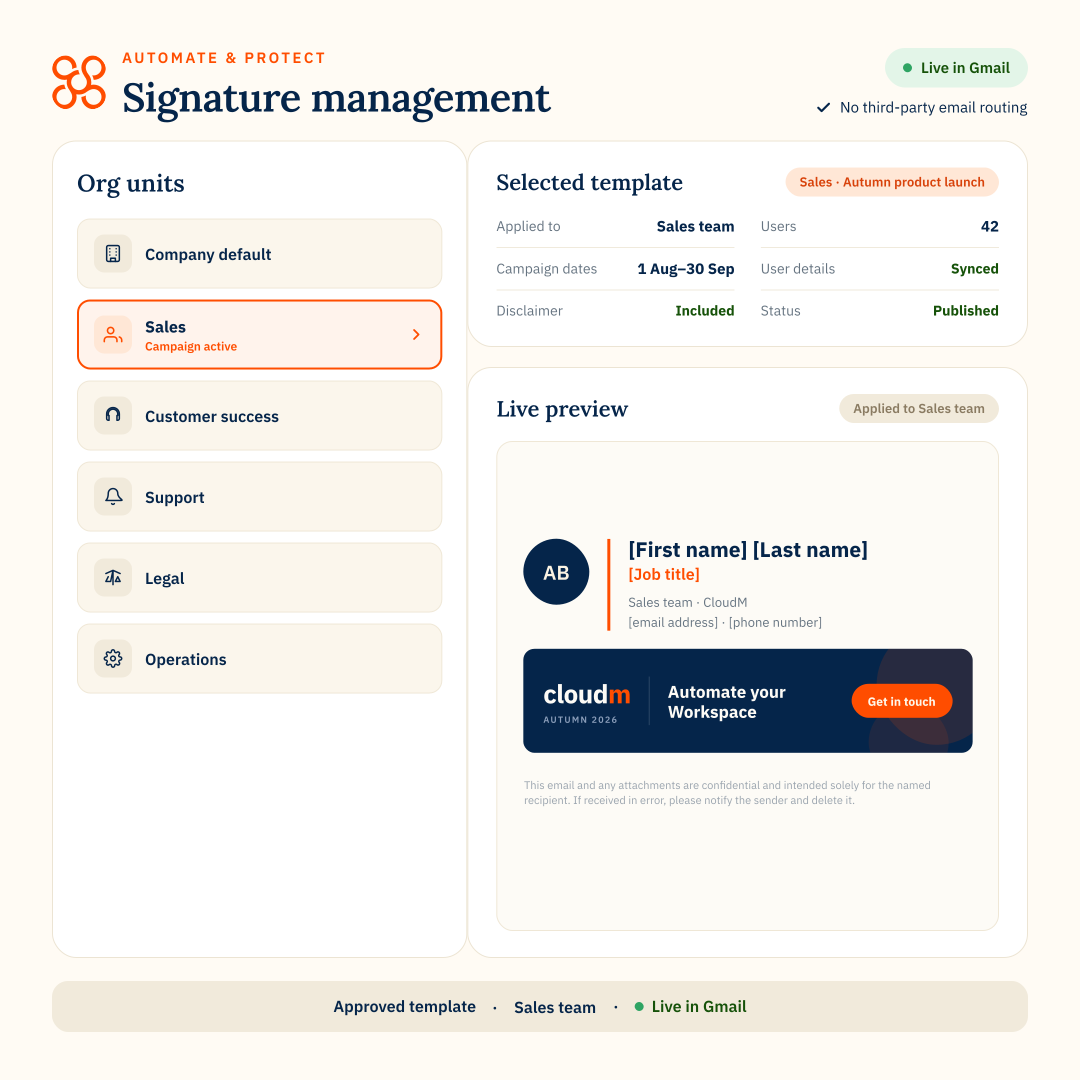
Build approved templates
Create branded signatures with the right contact fields, banners and disclaimers for each team, region or brand.
Apply them automatically
Assign signatures by user, department, role, Organizational Unit, Smart Team or send-as address using Google Workspace data.
Update once, sync everywhere
Change templates, banners or employee details centrally, without asking users to copy, paste or fix signatures themselves.
“The management of the signatures is incredibly easy. And yes, it’s really flexible.”

CAPABILITIES
Everything you need to control Google Workspace signatures

Create approved templates
Build reusable signature templates that keep every email on brand and on message.

Automate user details
Use Google Workspace directory data to apply accurate names, roles, departments and contact details.
Delegate without involving IT
Give Marketing, Comms or HR controlled access to manage approved signature updates.
Schedule banners and campaigns
Plan seasonal promotions, event messages and campaign banners across selected users or teams.

Apply signatures by group
Assign signatures based on department, role, location or other Google Workspace user attributes.
No third-party email routing
Use direct Gmail API integration to apply signatures without routing email through another provider.

Connect signature control with Google Workspace management
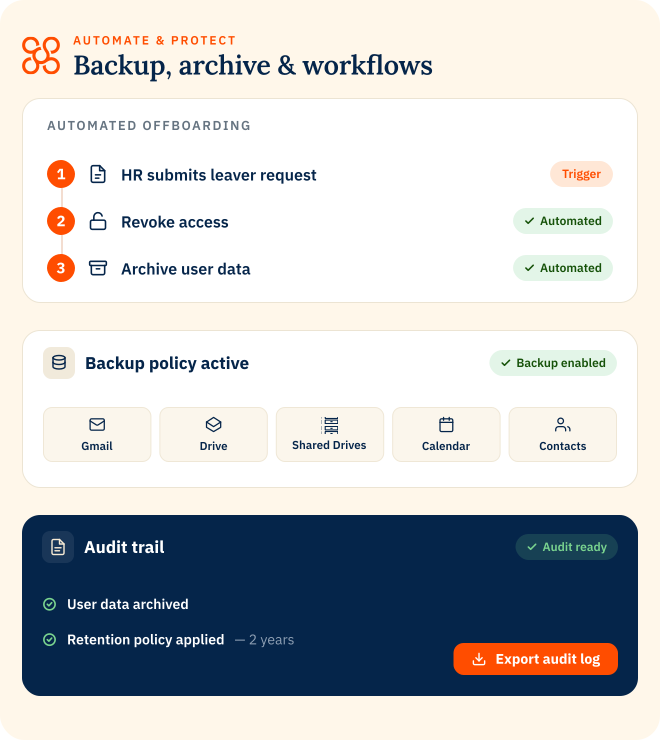
Signatures is part of Automate & Protect, helping you manage approved email signatures alongside backup, archive, license optimization and offboarding.
Explore Automate & Protect
EMAIL SIGNATURES
FAQs
Do emails need to be routed through CloudM?
No. Signatures are applied through direct Gmail API integration, so emails do not pass through CloudM or another third-party routing service. This helps reduce vendor exposure, keep mail flow within Google Workspace and simplify security reviews.
Can Signatures support different brands, domains or send-as addresses?
Yes. You can apply different signatures for secondary domains, group send-as addresses, teams, regions or brands.
Can Marketing manage signatures without full admin access?
Yes. Role-based access lets selected teams manage approved signature content without giving them broader Google Workspace admin permissions.
What happens when user details change in Google Workspace?
Signatures can use Google Workspace directory data, so details like names, titles and departments can stay aligned as user profiles are updated.