IT Security Automation: Benefits and Best Practices
- Author: Lana Ginns
- Category: Security & compliance
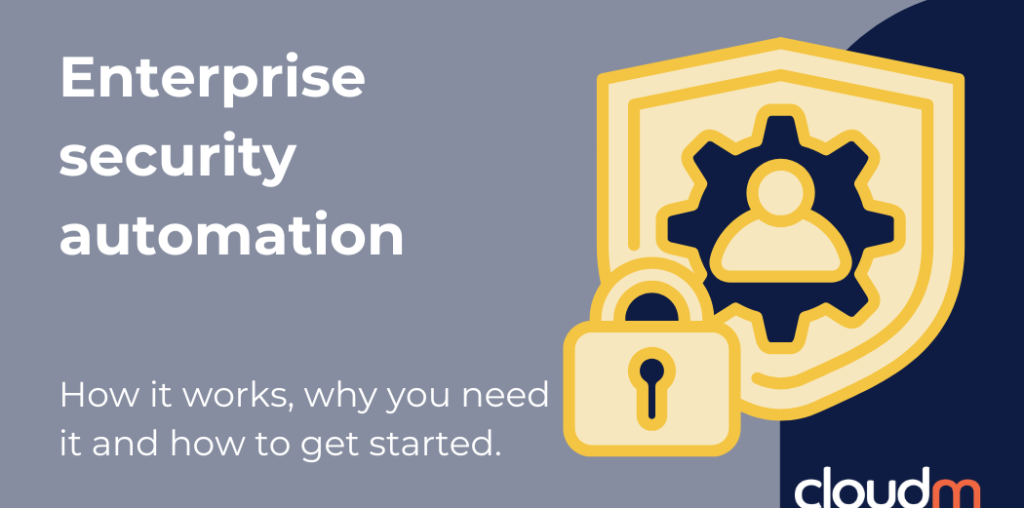
As organizations grow, so does the complexity of securing users, data, and systems. Manual processes can’t keep up with the volume of threats, alerts, and access changes happening every day, making enterprise security automation and strong security automation best practices essential for information technology (IT) teams. Security automation platforms help IT teams move faster, reduce risk, and enforce policies without relying on constant human intervention.
What are security automations?
Security automation uses technology to handle repetitive IT security tasks with minimal manual input. Instead of relying on IT teams to monitor systems, manage access, or respond to incidents manually, automation tools execute these actions based on predefined rules and workflows.
What do security automation platforms do?
Different tools cover different ground, but most enterprise security automation platforms share a few core capabilities.
- Workflow setup: Workflows are built by rules predefined by the IT and security teams to determine how the system responds in specific situations. These can be tailored by security teams or built from templates.
- Threat monitoring: Artificial intelligence (AI) tools continuously monitor for unusual activity and flag high-risk behavior.
- Endpoint security: Automation extends across all devices, supporting ongoing monitoring and detection at the endpoint level
- Incident response: When a threat is identified, the system can take immediate action based on predefined rules to contain and mitigate potential impact.
- Access and permissions control: User access is managed automatically, ensuring permissions are granted appropriately and removed as soon as they’re no longer required.
- Compliance and reporting: Logging, reporting, and audit processes are handled automatically, making it easier to meet regulatory requirements while reducing manual effort.
The importance of enterprise security automation
Manual security doesn’t scale. When your team is buried in routine tasks, real threats slip through the cracks. Automation addresses this by removing repetitive, time-sensitive tasks from manual workflows.
Security automation supports IT teams in several key ways:
- Improved threat detection: Advanced tools identify potential threats quickly and with greater accuracy.
- Automated response and mitigation: Predefined workflows contain and resolve incidents with minimal manual involvement.
- Faster incident response: Reduced delays in detection enable quicker, more precise action.
- Operational efficiency: Routine tasks are automated, allowing IT teams to focus on higher-impact work.
- Consistent policy enforcement: Security rules are applied uniformly across all users and systems.
- Lower costs: Fewer manual processes and faster resolution times improve overall efficiency and reduce spend.
- Stronger compliance: Automated reporting and governance simplify regulatory requirements.
- Scalability: Automations expand easily as the organization grows.
Security automation tools enforce policies consistently, surface risks faster, and give teams the confidence to operate without constantly looking over their shoulder.
Security automation best practices for enterprises
Implementing security automation effectively requires more than just adopting new tools. To get the most value, organizations need a structured, policy-driven approach.
Here are key security automation best practices to guide enterprise adoption:
1. Define clear policies first
Automation is only as effective as the rules behind it. Ensure that access controls, data retention policies, and security protocols are clearly documented before building workflows. This prevents automation from scaling inconsistencies.
2. Start with high-impact, repeatable processes
Begin by automating repetitive security tasks that are time-consuming and prone to human error, such as onboarding and offboarding workflows, access management, and data backups. These areas typically deliver the fastest and most measurable impact.
3. Choose the right security automation partners
Security automation isn’t one-size-fits-all. Most organizations need a mix of tools to cover different areas like identity, endpoints, and cloud. Focus on choosing platforms that integrate well and cover your key gaps.
4. Continuously monitor and refine
Automation isn’t static. Regularly review workflows, test for edge cases, and update processes as your organization evolves.
5. Balance automation with oversight
While automation reduces manual work, human oversight remains important, especially for complex or high-risk scenarios. Build in checkpoints where needed to maintain control.
6. Measure performance and impact
Track metrics like mean time to respond (MTTR), incident resolution time, and reduction in manual tasks. This helps demonstrate ROI and identify opportunities for further optimization.
From reactive to proactive security with CloudM
Enterprise security automation is a critical part of building a scalable, resilient security strategy. As threats become more complex and environments continue to grow, enterprises need platforms that can reduce reliance on manual processes.
The key is to use best practices, and implement security automation in a way that connects your entire security ecosystem, from threat detection automation to access management security automation platforms such as CloudM.
By automating user and data lifecycle management within Google Workspace, CloudM Automate helps ensure that access, ownership, and data handling are always aligned with your security policies, without adding operational overhead. When the right tools are in place and working together, security becomes a proactive, policy-driven system that supports your organization as it grows. Get started with CloudM today!