



CloudM Migrate
Fast, seamless and secure data migrations to Google Workspace
Fast, seamless and secure data migrations to Google Workspace
Migrate to Google Workspace from over 15 different source platforms
Get StartedTrusted by over 40,000 customers worldwide




Migration to Google Workspace

Migrate Files to Google Workspace
Seamlessly migrate your files and folders from almost any platform into Google Workspace. Move files, including folder hierarchies and access control lists with ease. Have everything from signatures to public folders and their hierarchies replicated in Google Drive and shared drives for shared folders.

Migrate Mail to Google Workspace
Easily move emails, folders and categories into Google Workspace. Move your emails, including all attachments, contacts and address books, calendars, tasks and reminders with ease. Migrate everything from signatures, categories and out of office settings to Google Workspace.

Migrate Archives to Google Workspace
Migrate both mailbox and enterprise archives to Google Vault on Google Workspace including emails, contacts and calendars. Benefit from the reconstruction of folder paths and IMAP properties, mailbox stub management, message level chain of custody reporting, plus full reconstitution of split, single instanced and compressed messages when you migrate your archives to Google Workspace.
Migration Sources for your Google Workspace Migration
-
Mail Migrations to Google Workspace
-
File Migrations to Google Workspace
-
Archive Migration to Google Workspace
-

- Microsoft 365
- Google Workspace
- Groupwise
- Zimbra
- Lotus Notes
- IMAP
- Free Gmail
- Microsoft Exchange
- Microsoft Teams
-
- OneDrive for Business
- Google Drive
- Dropbox
- Microsoft File System
- Box
- Sharepoint
-
- Outlook PST
- Google Vault
- Exchange Archives
- Veritas Enterprise Vault
- HP Autonomy EAS
- MBOX/EML
- EMC SourceOne
- Microsoft Online Archives
- Office 365 Online Archives
- Groupwise Archive
- Lotus Notes NSF
Deployment options for CloudM Migrate
CloudM Migrate SaaS
The SaaS version of CloudM. With no set-up required and needing less technical knowledge to run, this is the ideal solution for less complex migrations.
CloudM Migrate Self Hosted
The downloadable version of CloudM. Ideal for large and complex migrations. Setup the product and use our desktop or browser-based interface to complete your migration.
CloudM Migrate Key Features
-
Free pre-migration scan
-
Built in reporting
-
Migration scheduling
-
High speed migrations
-
15+ source platforms supported
-
Flexible migration options
-
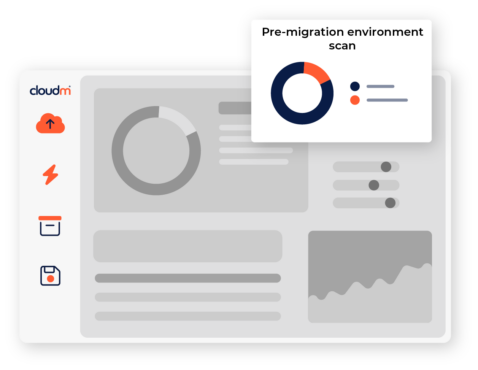
Unique environment scan, performing analysis of your source environment and reporting key statistics such as item counts, data volume, permissions and folder depth.
-
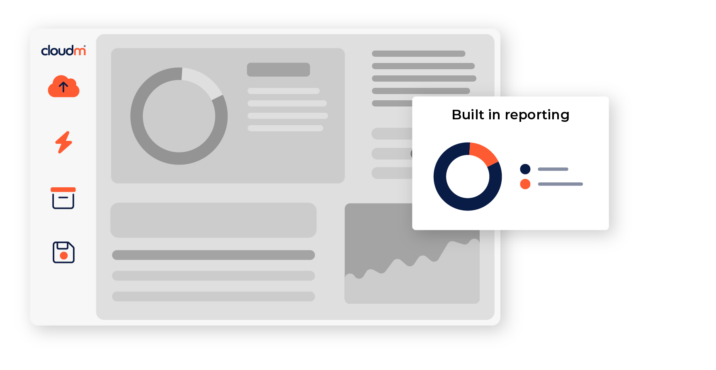
Access in depth audit, migration trace and migration service logs to help quickly diagnose issues and errors. Remotely connect to secondary servers directly from CloudM to quickly resolve errors.
-
Use Powershell scripts to control access and automate processes, making it easy to quickly change configurations.
-
Speed up your migrations by using multiple servers with CloudM. Adding more secondary servers allows more item threads to be migrated simultaneously.
-
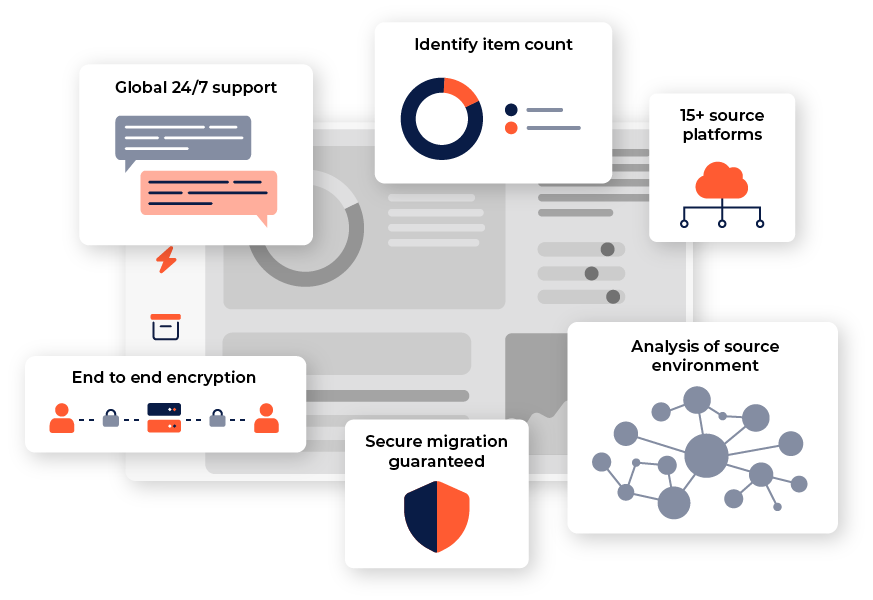
Covering emails, calendars, files and archives, the CloudM migration tool moves data from over 15 different source platforms.
-
Choose from the SaaS version of CloudM, or download a self-hosted version to maintain the data in your own environment.
The CloudM team are with you every step of the way
Interested in migrating data to Google Workspace?
Other source platforms and data types supported by CloudM Migrate
Latest resources
Introducing CloudM Continuity: Always-On Business Continuity for Microsoft 365
March 3, 2026
Find out more
Cloud migration: Preventing the most common data migration problems
February 26, 2026
Find out more
Google Drive Permission Changes: What CloudM Migrate Customers Need to Know
February 18, 2026
Find out more-
Introducing CloudM Continuity: Always-On Business Continuity for Microsoft 365
March 3, 2026
-
Cloud migration: Preventing the most common data migration problems
February 26, 2026
-
Google Drive Permission Changes: What CloudM Migrate Customers Need to Know
February 18, 2026