Skip to main content.
MICROSOFT 365 TO GOOGLE WORKSPACE MIGRATION

Migrate from Microsoft 365 to Google Workspace with less risk

Move users, mail, calendars, files and collaboration data from Microsoft 365 into Google Workspace with visibility, control and expert support.

Trusted by 50,000+ customers around the globe

Customer stories
Migration scope

Move critical data into Google Workspace

A Microsoft 365 to Google Workspace migration needs to account for how people work across Outlook, OneDrive, SharePoint, Teams and Calendar, as well as the platform differences that affect users after cutover.

CloudM helps you plan and migrate the core Microsoft 365 data users rely on every day:
Migration PLANNING

Plan for the differences between Microsoft 365 and Google Workspace

Microsoft 365 and Google Workspace organize data differently. Folders, labels, permissions, calendars, links and collaboration data need to be mapped carefully so users understand what changes and what needs action after migration.

Map folders to labels

Outlook folders can migrate into Gmail as labels, with subfolders becoming sub-labels.

Review file permissions

Permissions need careful planning, especially for OneDrive and SharePoint data, where platform differences affect how access is recreated.

Prepare users for cutover

Some settings, links and meeting behaviors may need user action after migration, so clear communication helps reduce disruption.
“CloudM provides a simple and reliable migration experience with excellent automation, detailed reporting, and easy management of Google Workspace and Microsoft 365 environments.”
Akash Y.
How CloudM helps

Built for complex Microsoft 365 to Google Workspace migrations

CloudM gives IT teams the tools, reporting and migration expertise to plan, move and validate Microsoft 365 data before users switch to Google Workspace.

Pre-migration discovery

Assess item counts, data volume, folder depth, permissions and potential migration issues before the project starts.

Phased migration support

Run pilot, bulk and delta passes to move data in stages and keep information current through cutover.

Hosted or self-hosted deployment

Choose a hosted migration for faster setup or self-hosted deployment when your team needs more control.

Migration reporting

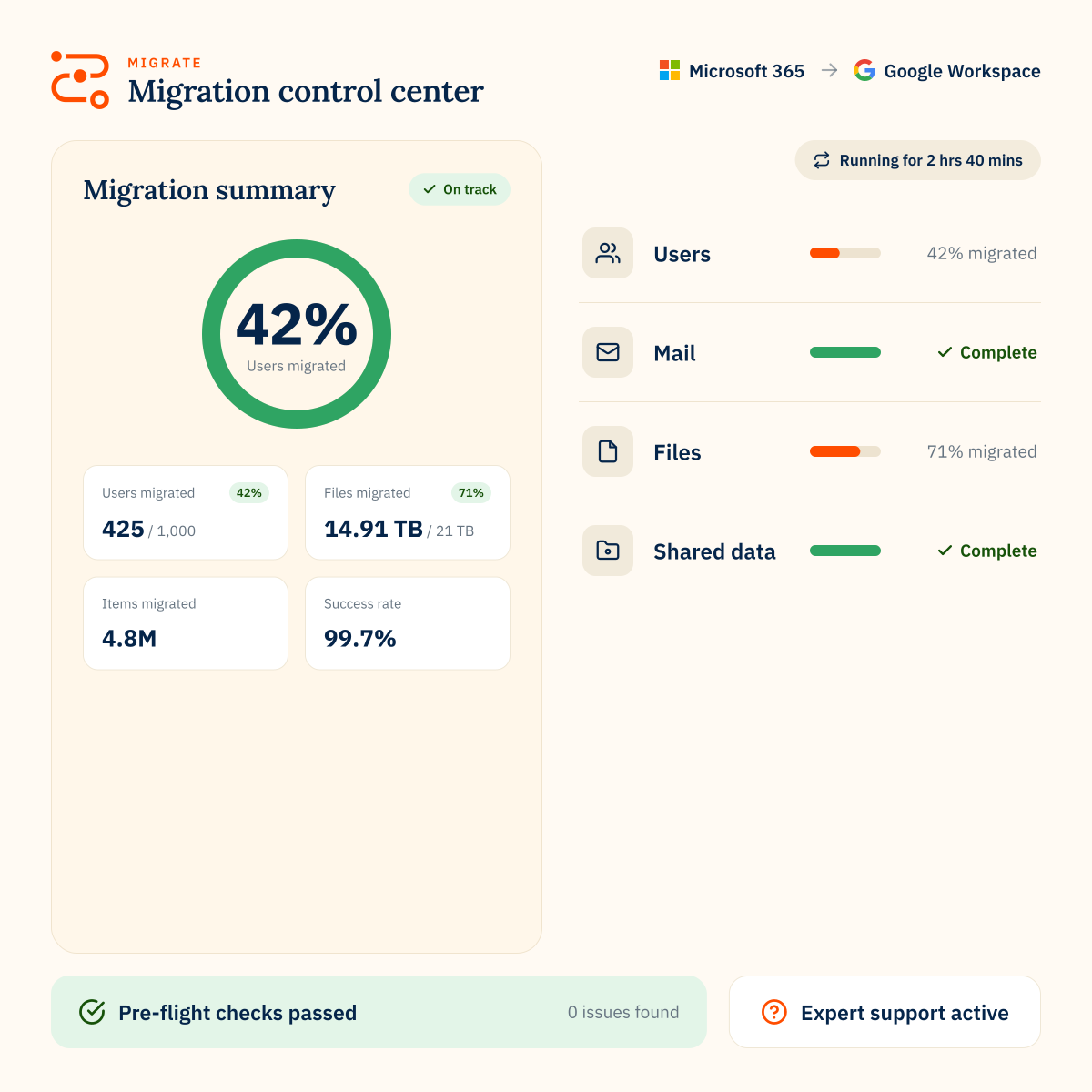
Track progress, identify issues and give stakeholders a clear view of migration status.

Expert support

Work with CloudM specialists for scoping, planning, migration delivery or post-migration support.

Security controls

Use a platform backed by certified security controls, penetration testing and secure development practices.
80mil
Workspace migrations
75PB
of data moved
99.7%
success rate
470B
items transferred
MICROSOFT 365 TO GOOGLE WORKSPACE MIGRATION

FAQs

Can CloudM migrate Microsoft 365 email to Gmail?
Yes. CloudM can migrate the latest version of Exchange and Outlook mail data into Gmail, including mail, folders, contacts, calendars and tasks where supported.
Can CloudM migrate OneDrive and SharePoint files to Google Drive?
Yes. CloudM supports OneDrive and SharePoint file migration to Google Drive or Shared Drives, with permission handling where supported.
Can CloudM migrate Microsoft Teams to Google Workspace?
CloudM supports migration of Teams channel conversations to Google Spaces in supported scenarios. Some Teams data and attachments may have limitations, so planning and validation are important.
What should users expect after moving from Microsoft 365 to Google Workspace?
Users may see some data represented differently because Microsoft 365 and Google Workspace handle folders, labels, calendars, links and permissions in different ways. A good migration plan should include user communication, validation and post-migration guidance.
Can CloudM help with the migration?
Yes. CloudM offers expert support and serviced migrations for teams that want help with scoping, planning, delivery and post-migration support.