Skip to main content.
FILES TO GOOGLE DRIVE MIGRATION

Migrate files to Google Drive with less risk

Move files, folders, permissions and shared content from OneDrive, SharePoint, Dropbox, Box, file systems and other sources into Google Drive and Shared Drives.

80mil
Workspace migrations
75PB
of data moved
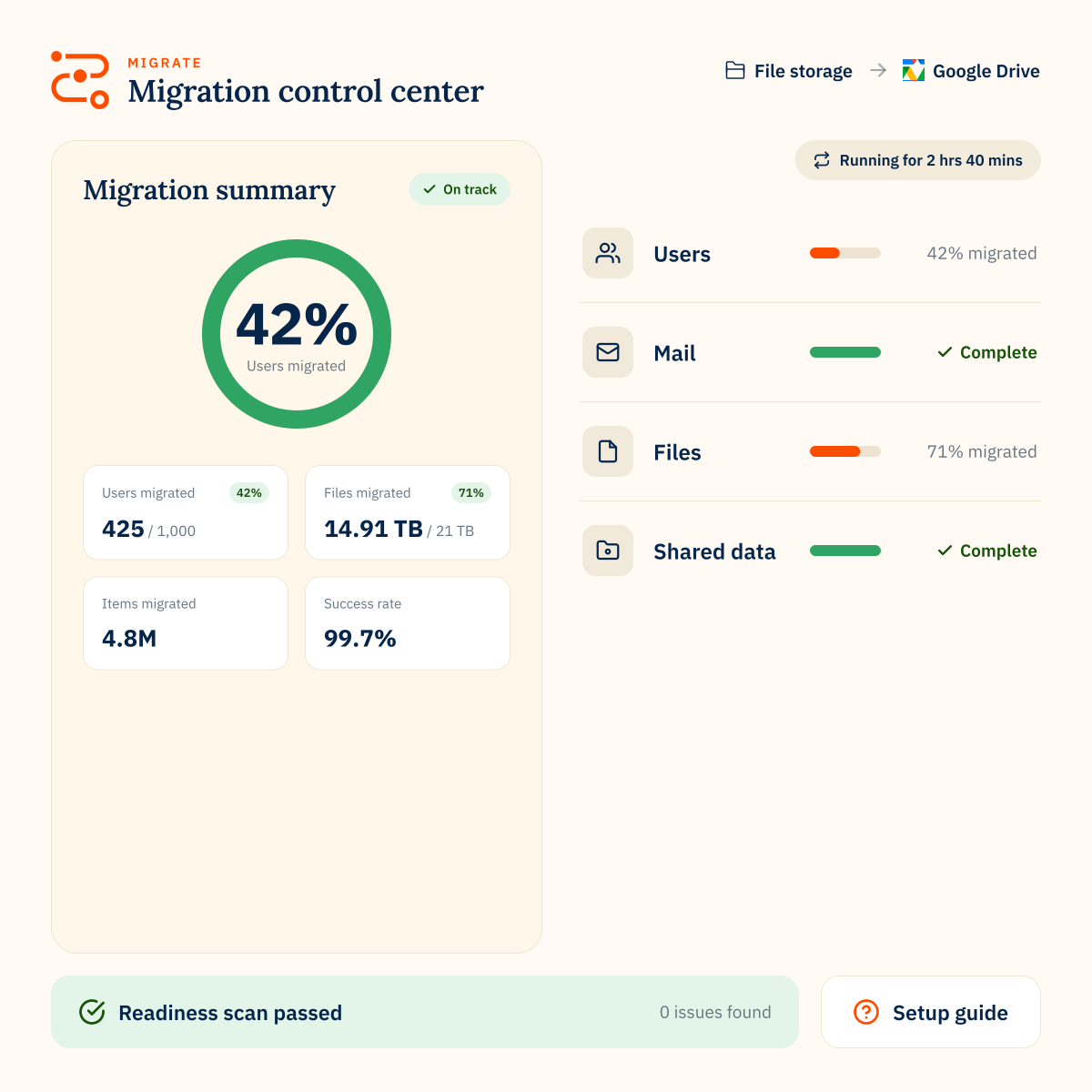
99.7%
success rate
470B
items transferred
Migration scope

Move files into the right Google Drive structure

A file migration to Google Drive is not just about moving documents. Folder structures, ownership, permissions and shared content need to be planned so users can find and access the files they need after cutover.

CloudM helps you plan and migrate the file sources organizations rely on every day:
Migration planning

Plan file structure, permissions and Shared Drive access before migration

Google Drive file migrations are messy because business context often lives in the structure around the files, not just the files themselves.

Folder hierarchy, ownership, access control lists, comments, links and shared team spaces all need to be reviewed before data moves into Google Drive.

CloudM helps teams manage the decisions that make or break a file migration into Google Drive:

Assess your file sources

Review files across OneDrive, SharePoint, Dropbox, Box, file systems or existing Google Drive environments, including item counts, folder depth, ownership and permission complexity.

Decide where files should land

Plan whether content should move into My Drive, Google Drive folders or Shared Drives, especially when replacing legacy file shares or team-based storage.

Preserve folder structure where needed

Recreate source folder hierarchies when users rely on them, or use the migration to simplify outdated folder structures before cutover.

Review ownership and access control lists

Map permissions and sharing rules before migration so users can access the right files in Google Drive or Shared Drives after cutover.

Control what moves

Use filters such as file type, created date or folder path to exclude outdated, unnecessary or unsupported content from the migration.
How CloudM helps

Built for complex file migrations to Google Drive

Multiple source platforms

Migrate files from OneDrive, SharePoint, Google Drive, Dropbox, Box and file systems. See supported source platforms.

Shared Drive support

Move shared file structures into Google Shared Drives for team-based access.

Permission handling

Plan and migrate file access controls where supported.

Flexible deployment

Use hosted migration or self-hosted deployment depending on your migration needs.

High-speed migration options

Use multiple servers to support larger or more complex file migration projects.

Expert support

Work with CloudM specialists for scoping, planning, migration delivery or post-migration validation.
“Without a tool like this, migrations would be far more manual, time-consuming, and risky, especially at an enterprise level where you’re dealing with significant volumes of user data and tight timelines.”
Dan M.
FILES TO GOOGLE DRIVE MIGRATION

FAQs

What file sources can CloudM migrate to Google Drive?
CloudM supports file migrations to Google Drive from sources including OneDrive, SharePoint, Google Drive, Dropbox, Box and file systems.
Can CloudM migrate file shares to Google Shared Drives?
Yes. CloudM supports migration from file-system file shares to Google Shared Drives, which can help organizations move shared storage into Google Workspace.
Can CloudM preserve folder structures during a file migration?
Yes. CloudM can recreate source folder hierarchies in Google Drive, and can also support other destination structures depending on the migration setup.
Can CloudM migrate file permissions to Google Drive?
CloudM can migrate access control lists where supported, but permissions should be reviewed before migration because source and destination platforms handle access differently.
Can we choose which files move to Google Drive?
Yes. File migrations can use filters such as file type and created date, helping teams control what is included in the migration.