
Migrate to Google Workspace
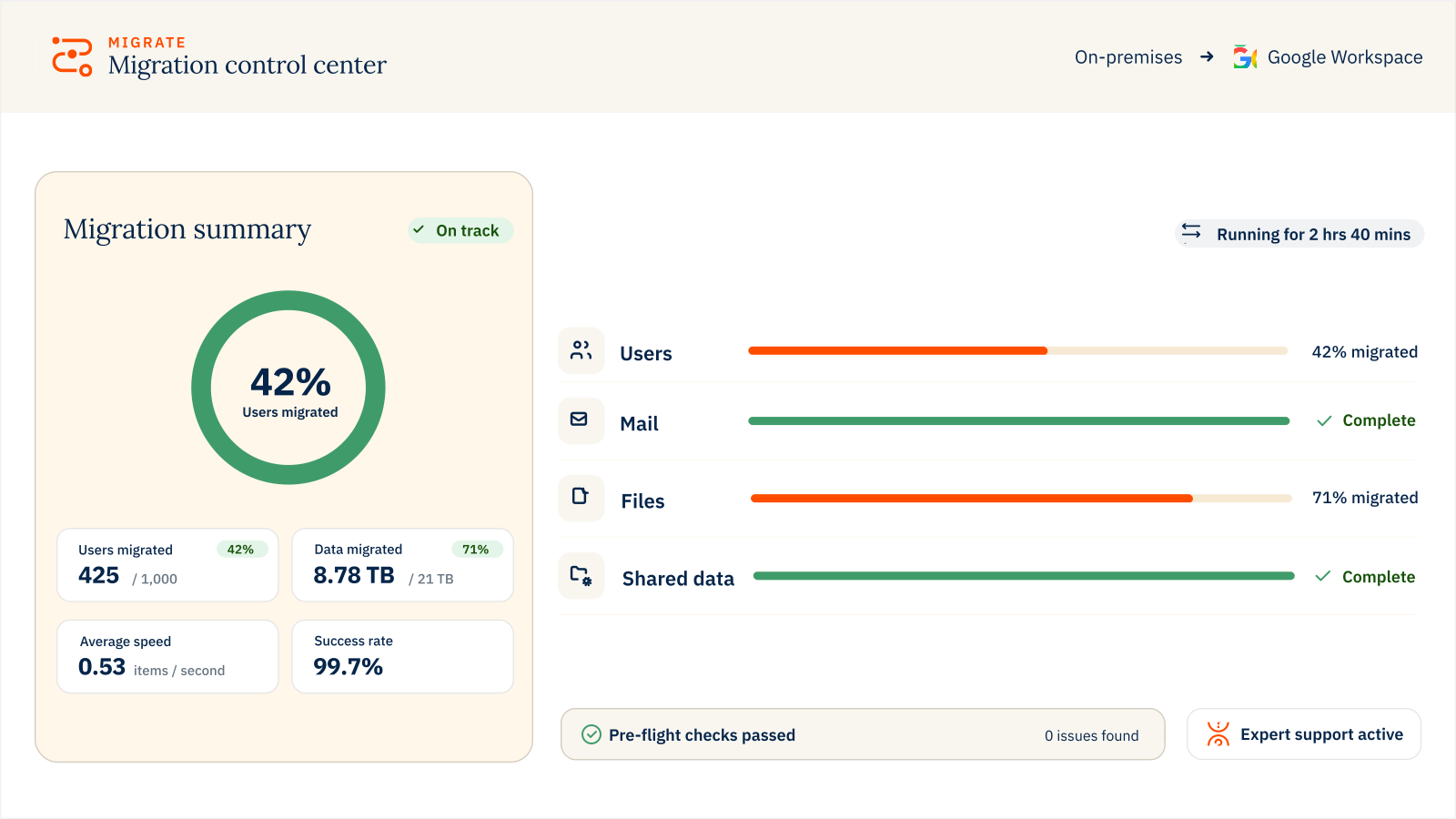
Move users, mail, files and shared data into Google Workspace with visibility, control and expert support.

Migrate users, mail, files and shared data with the control, visibility and expert support for complex, business-critical projects.
Trusted by 50,000+ customers around the globe
Customer stories










Mail, calendar, contacts, tasks, chat
Shared Drives, permissions, folder structure and version history
Mail, calendar, contacts, tasks, chat
Shared Drives, permissions, folder structure and version history
Included with every license
Migrate from on-premises servers, Google Workspace, Microsoft 365, Zimbra, Box, Dropbox and more
Choose CloudM-hosted deployment or run it within your own infrastructure
Move mailbox, calendar, contact, task, chat and shared workspaces
Move new or updated data at no extra cost throughout your license period