Skip to main content.
GOOGLE WORKSPACE TO MICROSOFT 365 MIGRATION

Migrate from Google Workspace to Microsoft 365 with less risk

Move users, mail, calendars, files and collaboration data from Google Workspace into Microsoft 365 with visibility, control and expert support.

80mil
Workspace migrations
75PB
of data moved
99.7%
success rate
470B
items transferred
Migration scope

Move critical data into Microsoft 365

A Google Workspace to Microsoft 365 migration needs to account for how users work across Gmail, Drive, Shared Drives, Calendar, Groups and resources, while planning for the platform differences that affect users after cutover.

CloudM helps you plan and migrate the core Google Workspace data users rely on every day:
Migration PLANNING

Plan for the differences between Google Workspace and Microsoft 365

Google Workspace and Microsoft 365 organize data in different ways. Labels, folders, permissions, links, resources and file types need to be mapped carefully so users know what changes and what needs action after migration.

Labels and folders

Gmail labels need to be converted into Outlook folders or categories, so users may see mail organized differently in Microsoft 365.

Shared Drive permissions

Shared Drive membership and file-level permissions need careful planning before data moves into SharePoint or OneDrive.

Links and file behavior

Some Google file links, starred files and Google-native file types may behave differently after migration, so validation and user guidance are important.
“CloudM provides a simple and reliable migration experience with excellent automation, detailed reporting, and easy management of Google Workspace and Microsoft 365 environments.”
Akash Y.
How CloudM helps

Built for complex Google Workspace to Microsoft 365 migrations

CloudM gives IT teams the tools, reporting and migration expertise to plan, move and validate Google Workspace data before users switch to Microsoft 365.

Pre-migration discovery

Assess item counts, data volume, folder depth, permissions and potential migration issues before the project starts.

Phased migration support

Run pilot, bulk and delta passes to move data in stages and keep information current through cutover.

User and group mapping

Map Google Workspace users, groups and resources to Microsoft 365 destinations so identity and collaboration data can move cleanly.

File migration controls

Move Drive and Shared Drive content into OneDrive or SharePoint while planning for permissions, metadata and version history.

Migration reporting

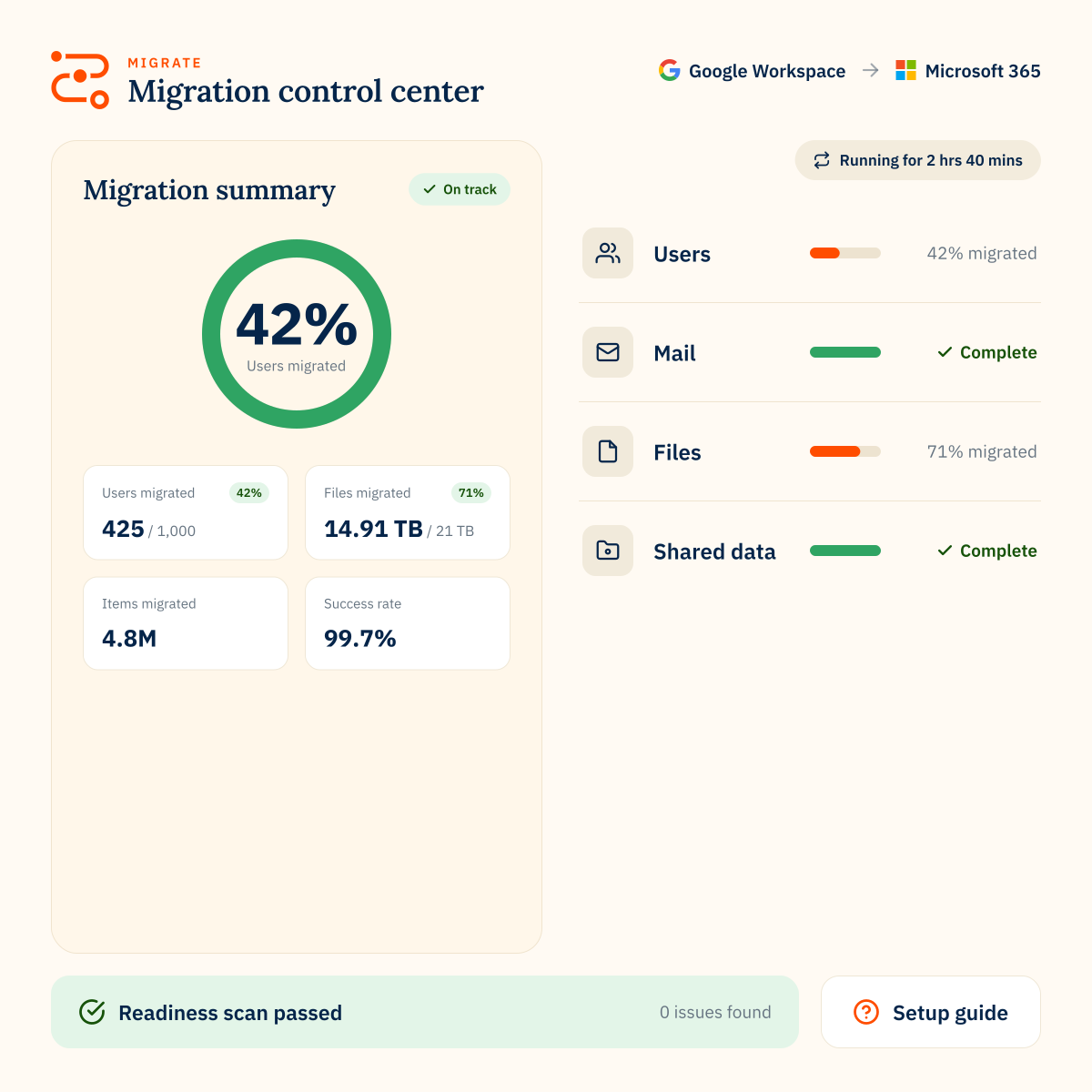
Track progress, identify issues and give stakeholders a clear view of migration status.

Expert support

Work with CloudM specialists for scoping, planning, migration delivery or post-migration support.

Trusted by 50,000+ customers around the globe

Customer stories
MICROSOFT 365 TO GOOGLE WORKSPACE MIGRATION

FAQs

Can CloudM migrate Gmail to Microsoft 365?
Yes. CloudM can migrate Gmail data into Microsoft 365, including messages, labels, contacts and calendar data where supported. For a complete list of all supported entities and data types check our supported platforms tool.
What happens to Gmail labels in Outlook?
Gmail labels are converted into Outlook folders or categories depending on how they are used. Because Gmail and Outlook organize mail differently, users may see some changes in mailbox structure after migration.
Can CloudM migrate Google Drive and Shared Drives to Microsoft 365?
Yes. CloudM supports migration from Google Drive and Shared Drives into OneDrive and SharePoint, with support for permissions, metadata and version history where supported.
Can CloudM migrate Google Groups to Microsoft 365 Groups?
Yes. Google Workspace Groups can be migrated to Microsoft 365 Groups as part of a planned migration, with mapping and configuration handled during setup.
What should users expect after moving from Google Workspace to Microsoft 365?
Some data may be represented differently because Google Workspace and Microsoft 365 handle labels, folders, permissions, links, resources and file types in different ways. A good migration plan should include validation, user communication and post-migration guidance.