
MIGRATION PATHS

Migrate users and data to Microsoft 365 with less risk
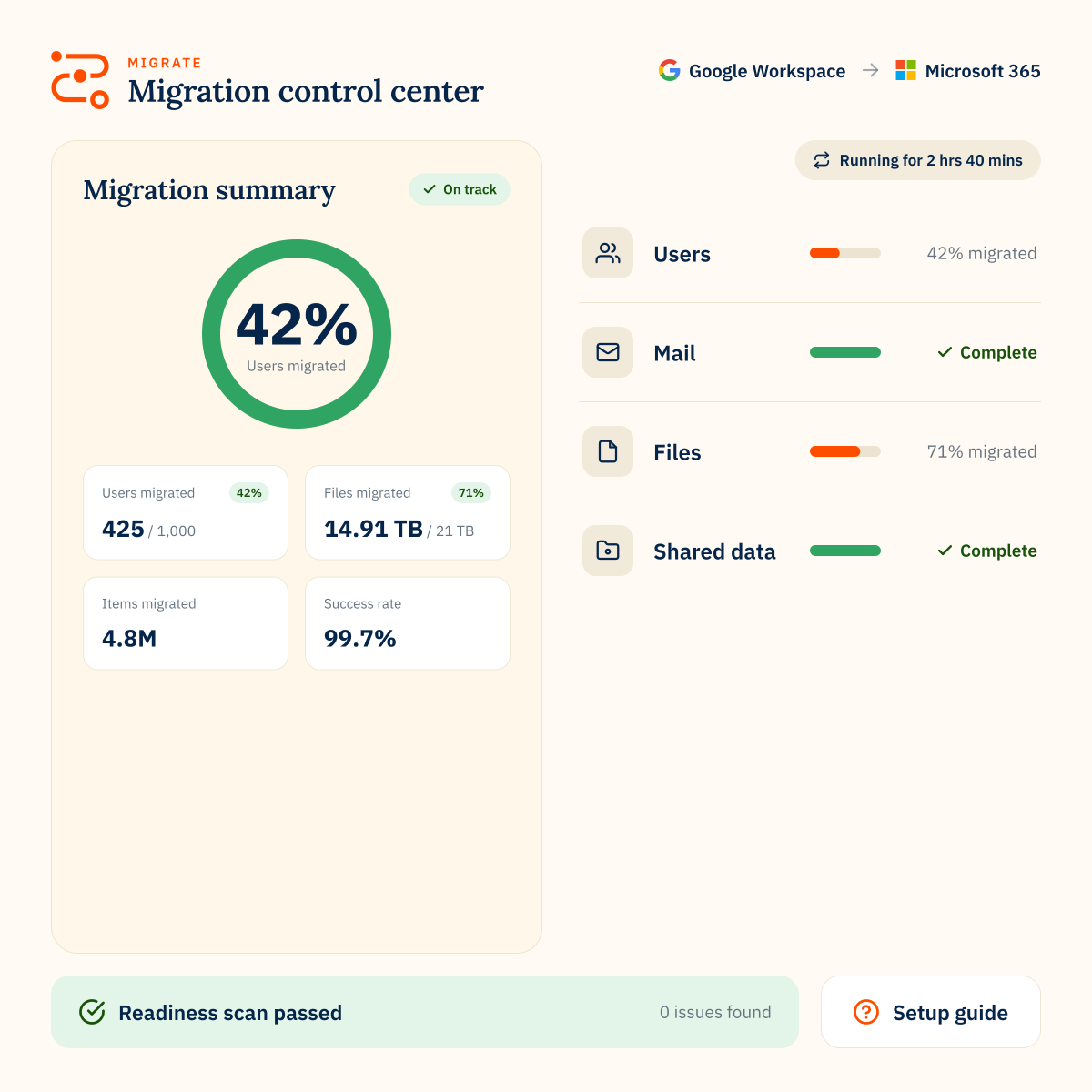
Migrate mail, files, folders, permissions, Teams data and other user data into Microsoft 365, with clear reporting and support for complex environments.
80mil
users migrated
75PB
of data moved
99.7%
success rate
470B
items transferred
Microsoft 365 to Google
Move Outlook email, calendars, OneDrive and SharePoint data into Google Workspace.
Google to Microsoft 365
Move mail, files, calendars, contacts and collaboration data from Google Workspace into Microsoft 365.
Microsoft to Microsoft
Consolidate tenants, restructure domains or move acquired teams into one Microsoft 365 environment.
Microsoft 365 disaster recovery
Keep email accessible during Microsoft 365 outages with a standby Google Workspace environment.
Check your source platform
Check what can be moved from your source platform to Microsoft 365
migrate your data
Choose how you migrate
Manage your own migration
Use our Migrate platform to run your project internally with reporting, controls and migration visibility.
We’ll migrate for you
Let CloudM experts handle planning, delivery, go-live and post-migration support.
Trusted by 50,000+ customers around the globe
Customer stories







WHY MIGRATE WITH CLOUDM
Built for complex, high-stakes migrations

Plan with confidence

Move data completely

Track every stage

Protect data in transit

Work with certified controls

Get expert support
MIGRATE TO MICROSOFT 365
FAQs
What can CloudM migrate to Microsoft 365?
CloudM can migrate mail, files, folders, calendars, contacts and collaboration data into Microsoft 365, including permissions, folder structures and Teams conversations where supported.
Where can CloudM migrate from?
CloudM can migrate to Microsoft 365 from 20+ source platforms, including Google Workspace, Microsoft 365, Box, Dropbox and legacy systems. Use the supported platforms tool to check your route.
Can CloudM migrate Google Workspace data into Microsoft 365?
Yes. CloudM can migrate Google Workspace data into Microsoft 365, including Gmail, Drive, calendars, contacts and other supported data types.
Can CloudM migrate Teams conversations?
Yes. CloudM can migrate Teams channel conversations and users’ private chats where supported by the selected migration route.
Can CloudM migrate from one Microsoft 365 tenant to another?
Yes. CloudM supports Microsoft 365 tenant-to-tenant migrations, including consolidation, domain restructure and M&A scenarios.
Can CloudM manage the migration for us?
Yes. Serviced Migrations are available if you want CloudM experts to manage planning, delivery, go-live and post-migration support.